In Part 2, the Alpine jumpbox gave me a stable path into pfSense. In this part, I turn the flat internal LAN into a segmented lab.
The goal is to create the VLAN interfaces, give each segment a gateway IP, enable temporary DHCP where it helps installation, and leave the final firewall policy for a dedicated firewall-rules post.
What I Built
Parent interface: vtnet1
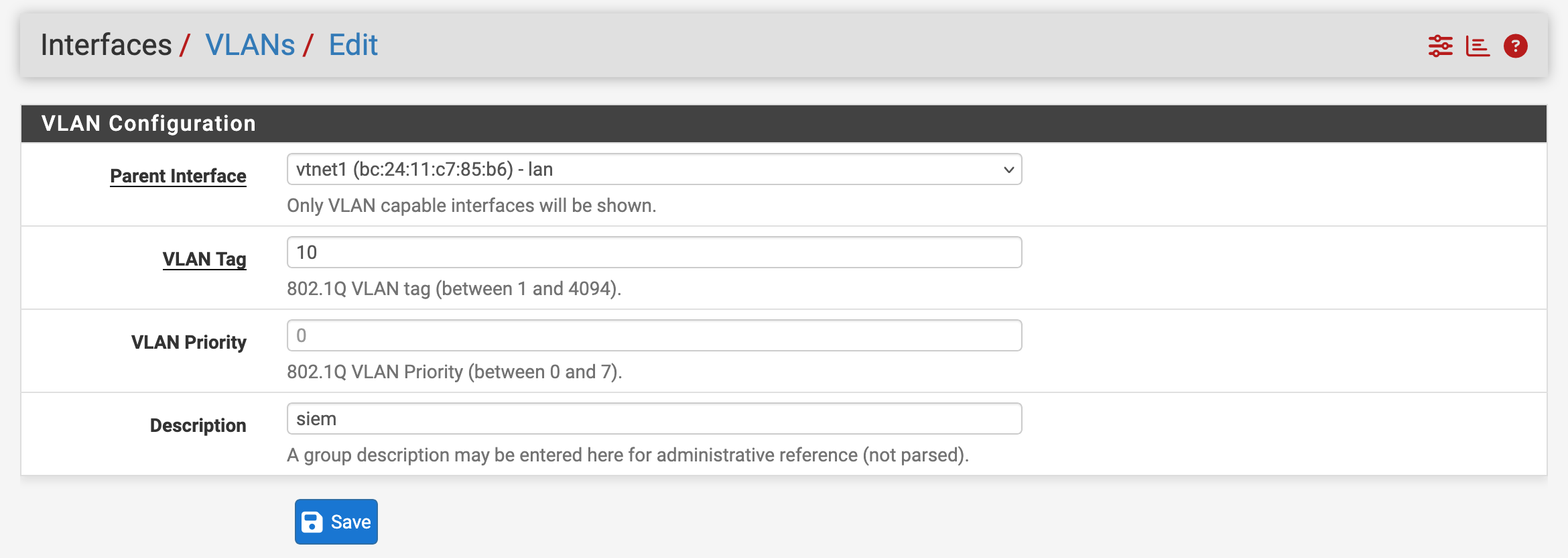
VLAN 10: SIEM
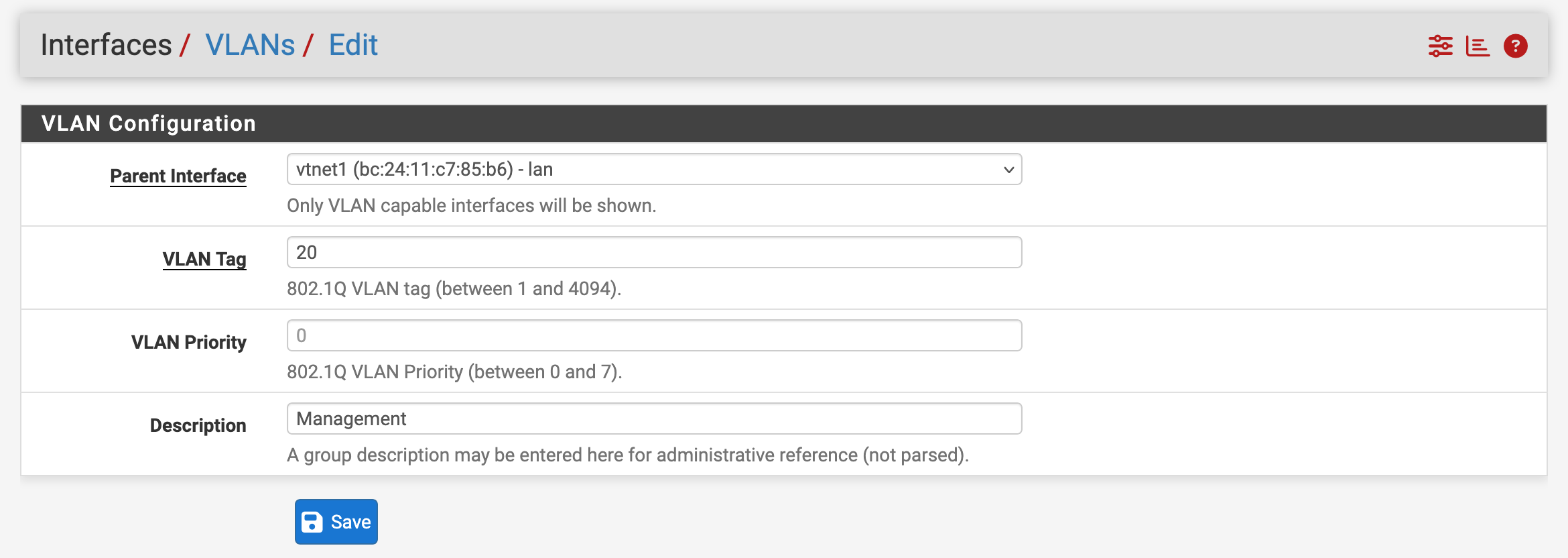
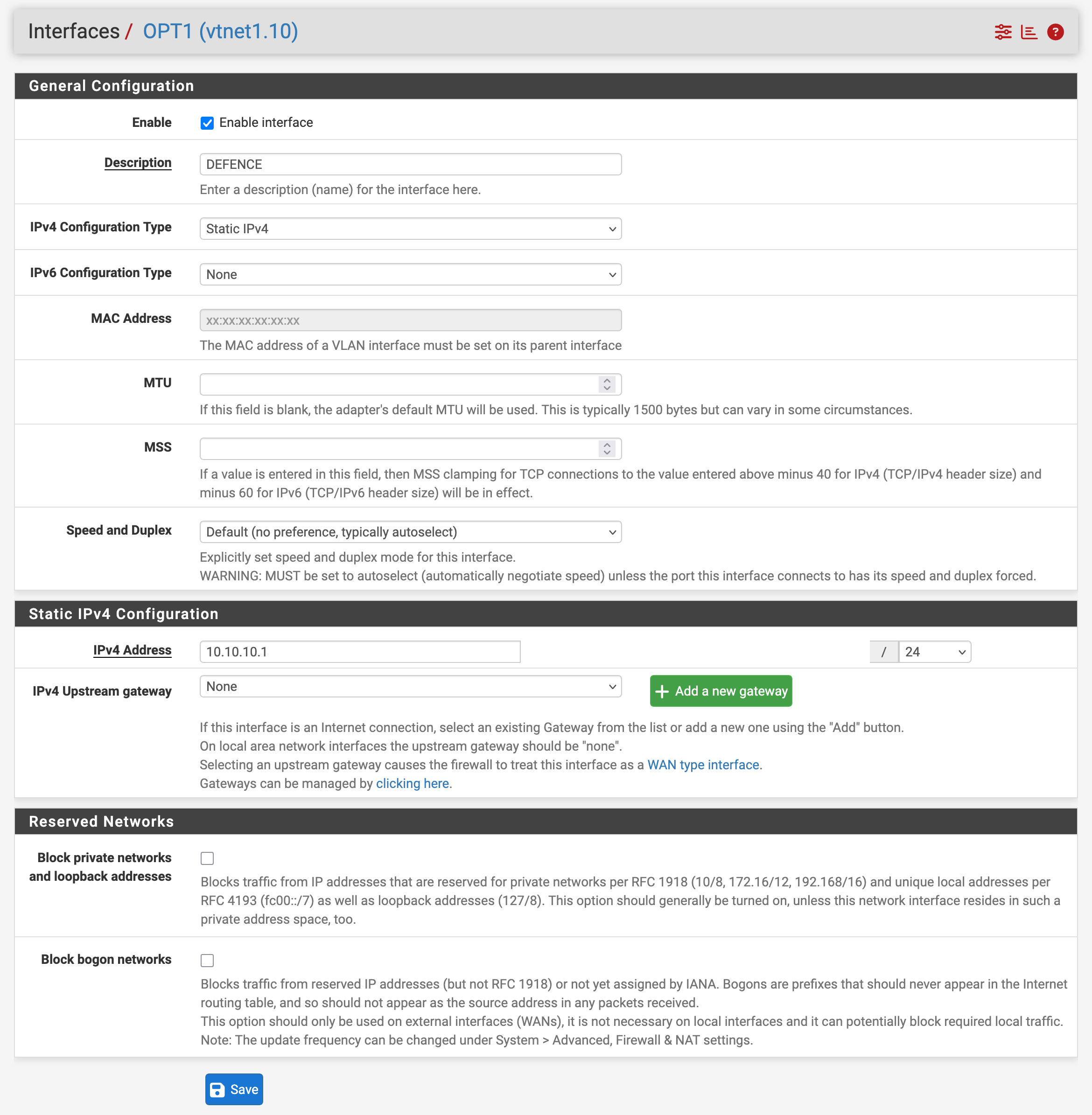
VLAN 20: DEFENCE
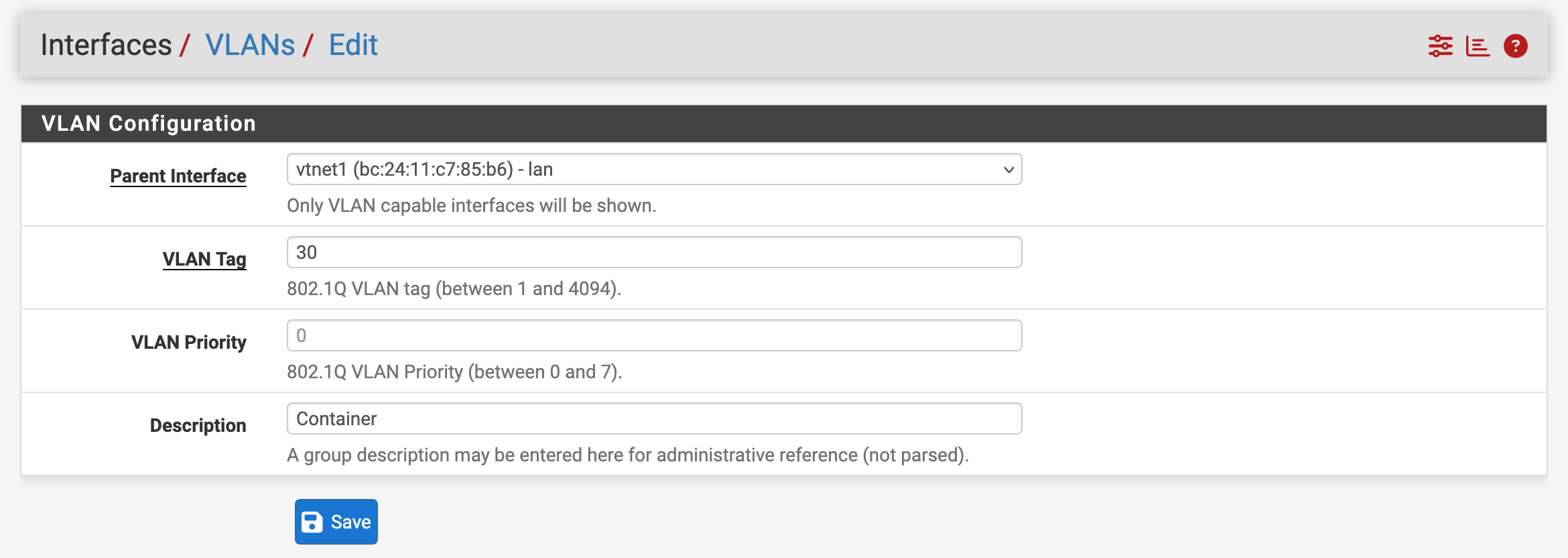
VLAN 30: CONTAINER
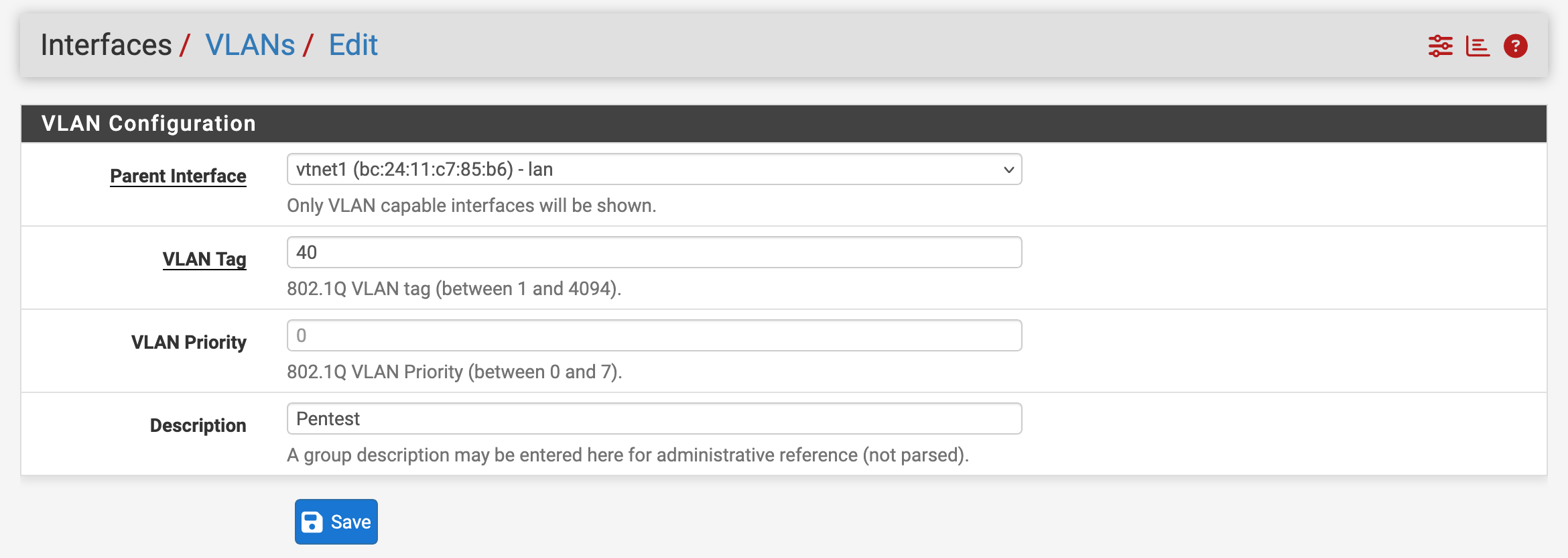
VLAN 40: PENTEST
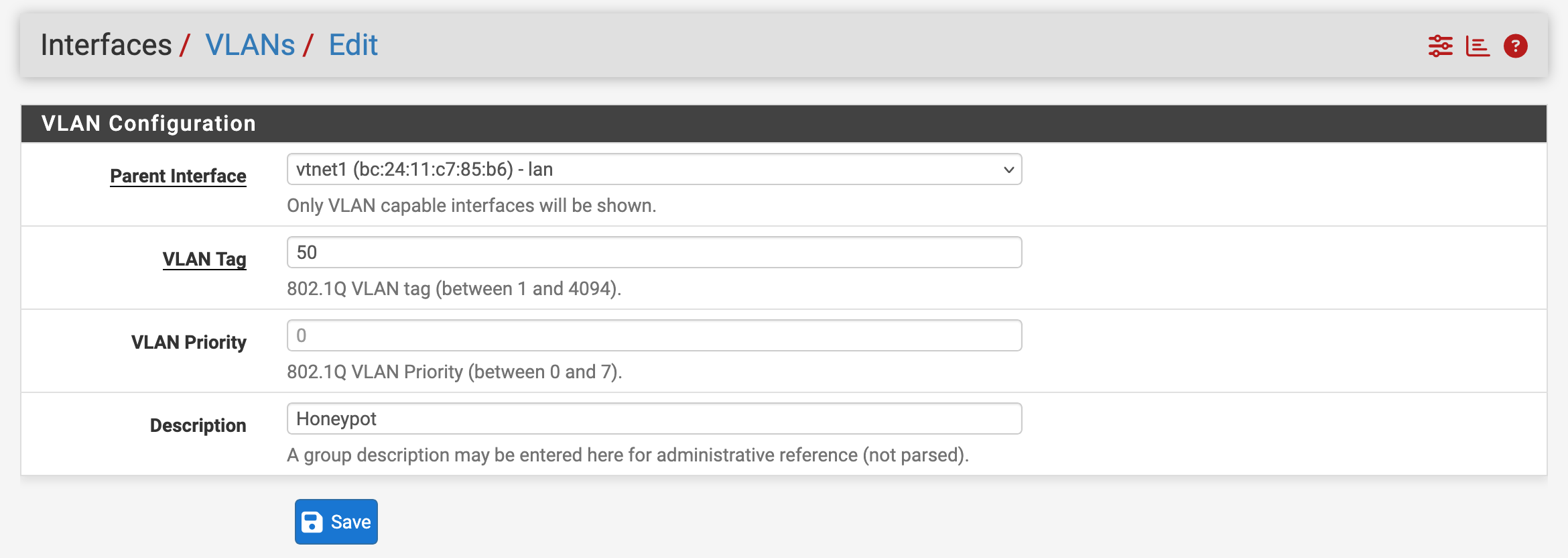
VLAN 50: HONEYPOT
VLAN 60: CLIENT
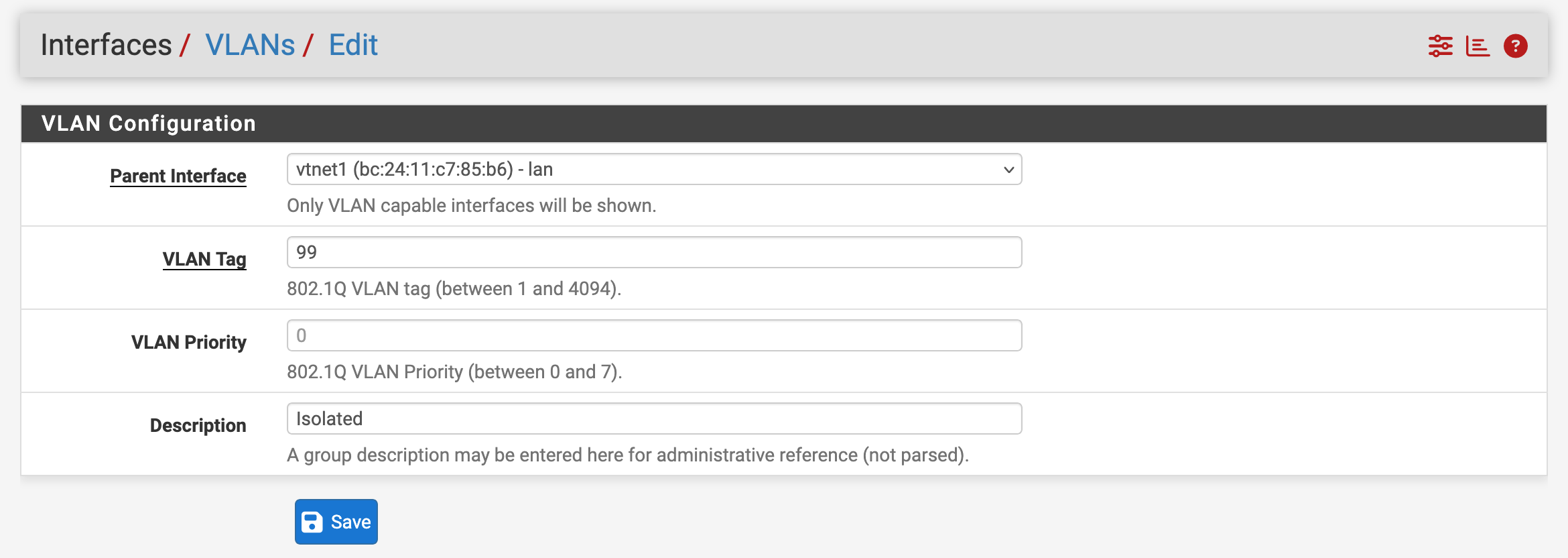
VLAN 99: ISOLATED
Current addressing:
| Segment | VLAN | Gateway | Purpose |
|---|---|---|---|
| LAN | native | 10.10.1.1/24 | jumpbox and early management |
| SIEM | 10 | 10.10.10.1/24 | Wazuh and monitoring |
| DEFENCE | 20 | 10.10.20.1/24 | AD, DNS, DHCP |
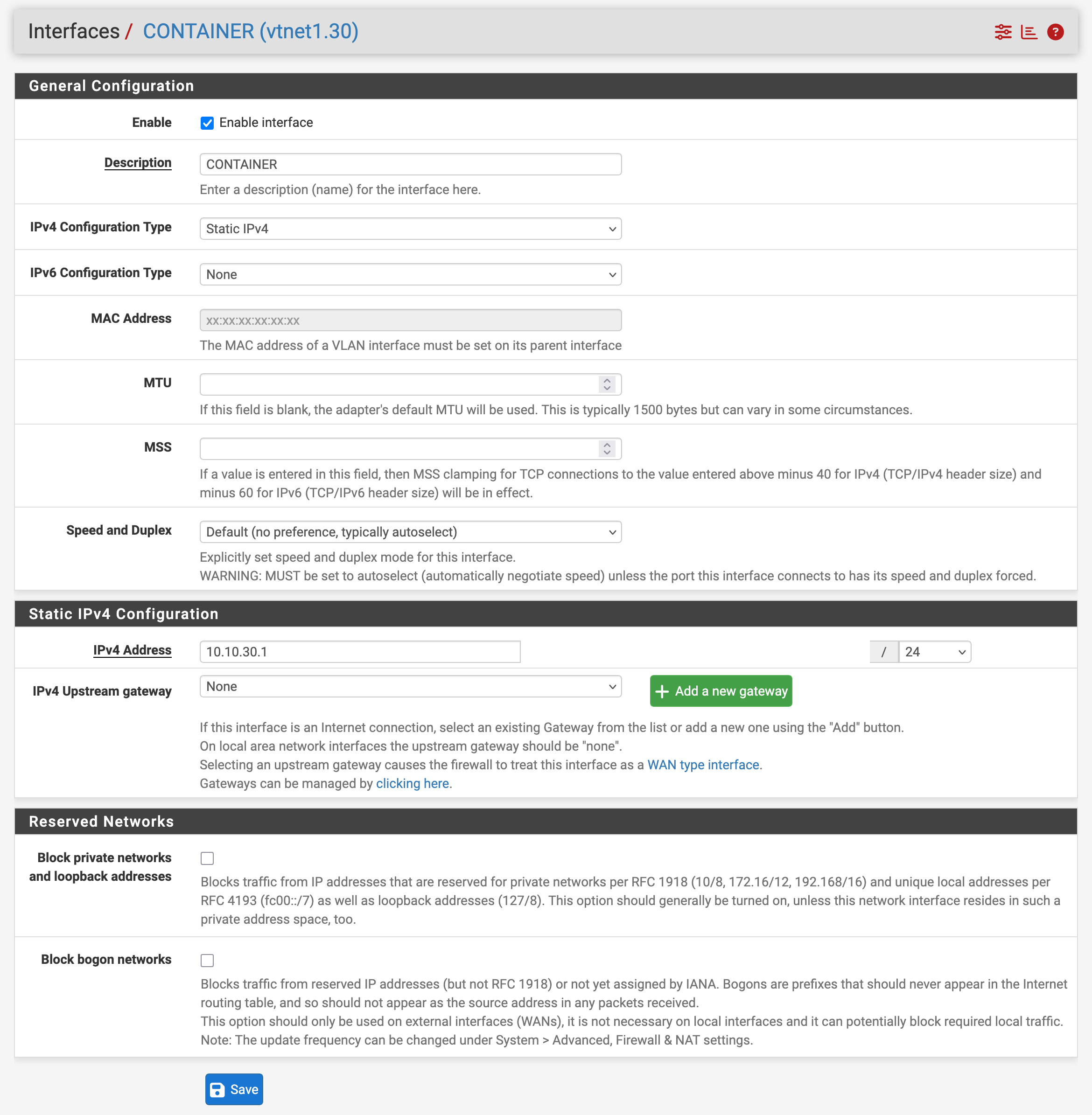
| CONTAINER | 30 | 10.10.30.1/24 | Docker and automation |
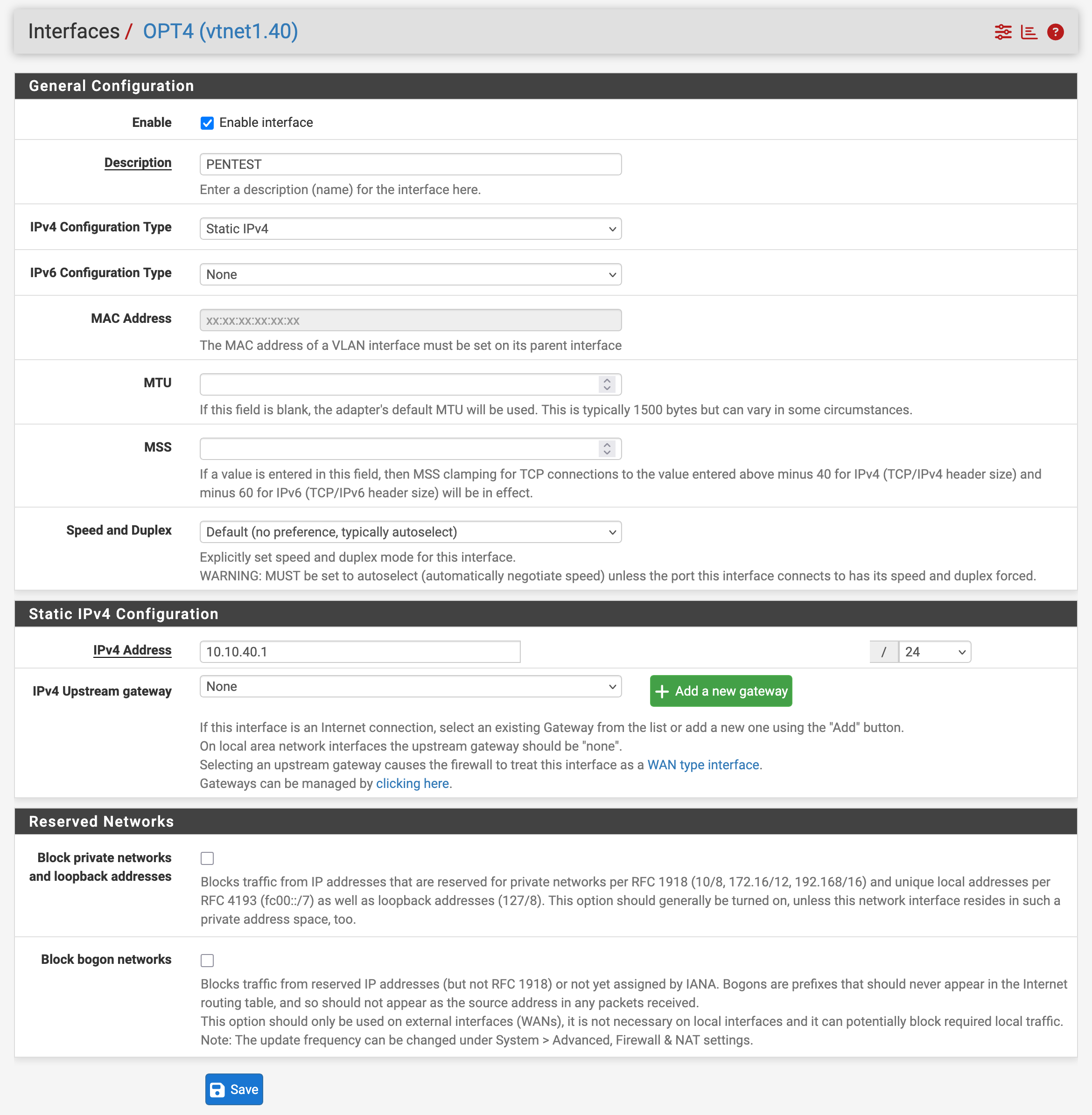
| PENTEST | 40 | 10.10.40.1/24 | Kali and vulnerable targets |
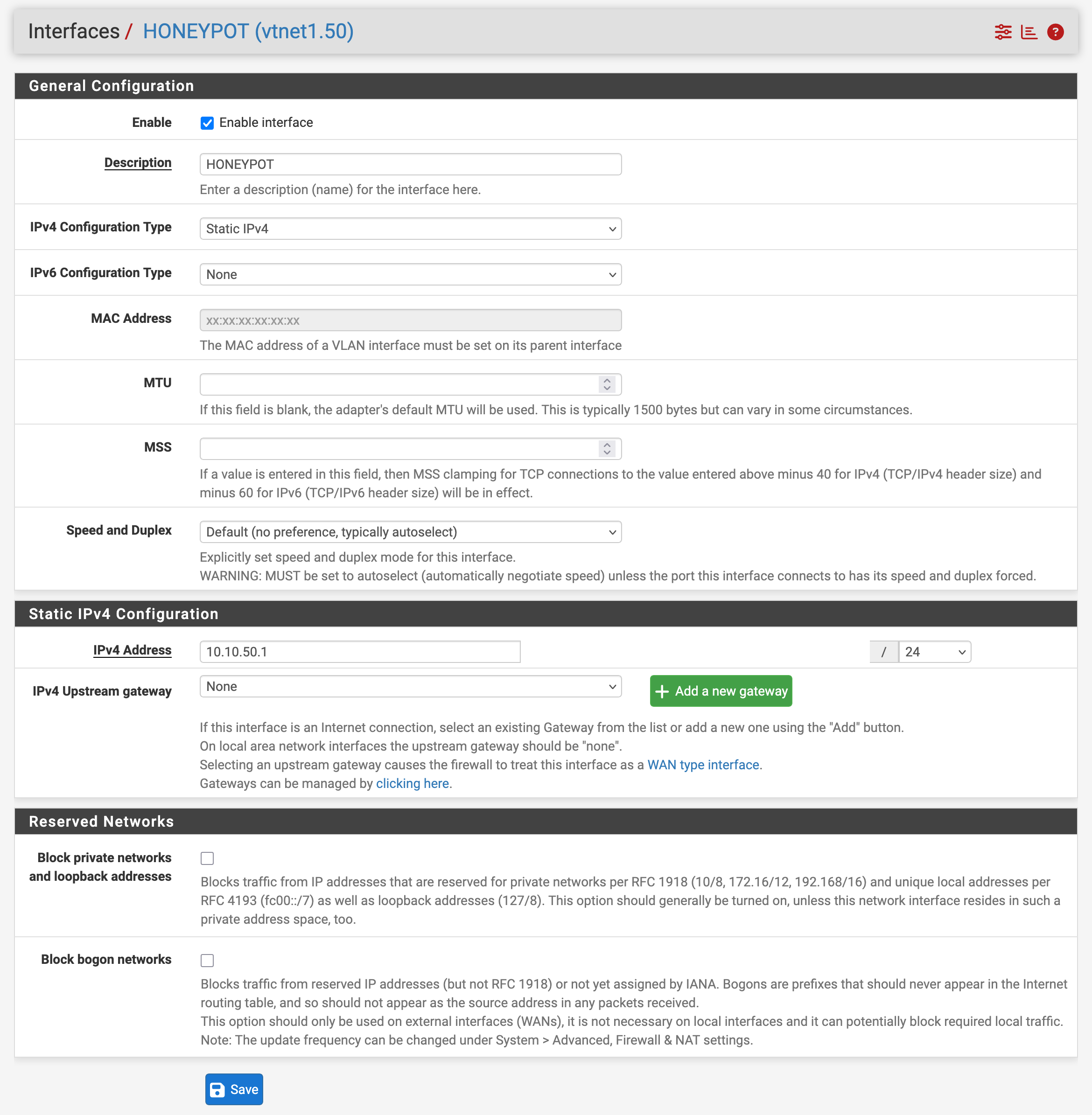
| HONEYPOT | 50 | 10.10.50.1/24 | T-Pot and attack telemetry |
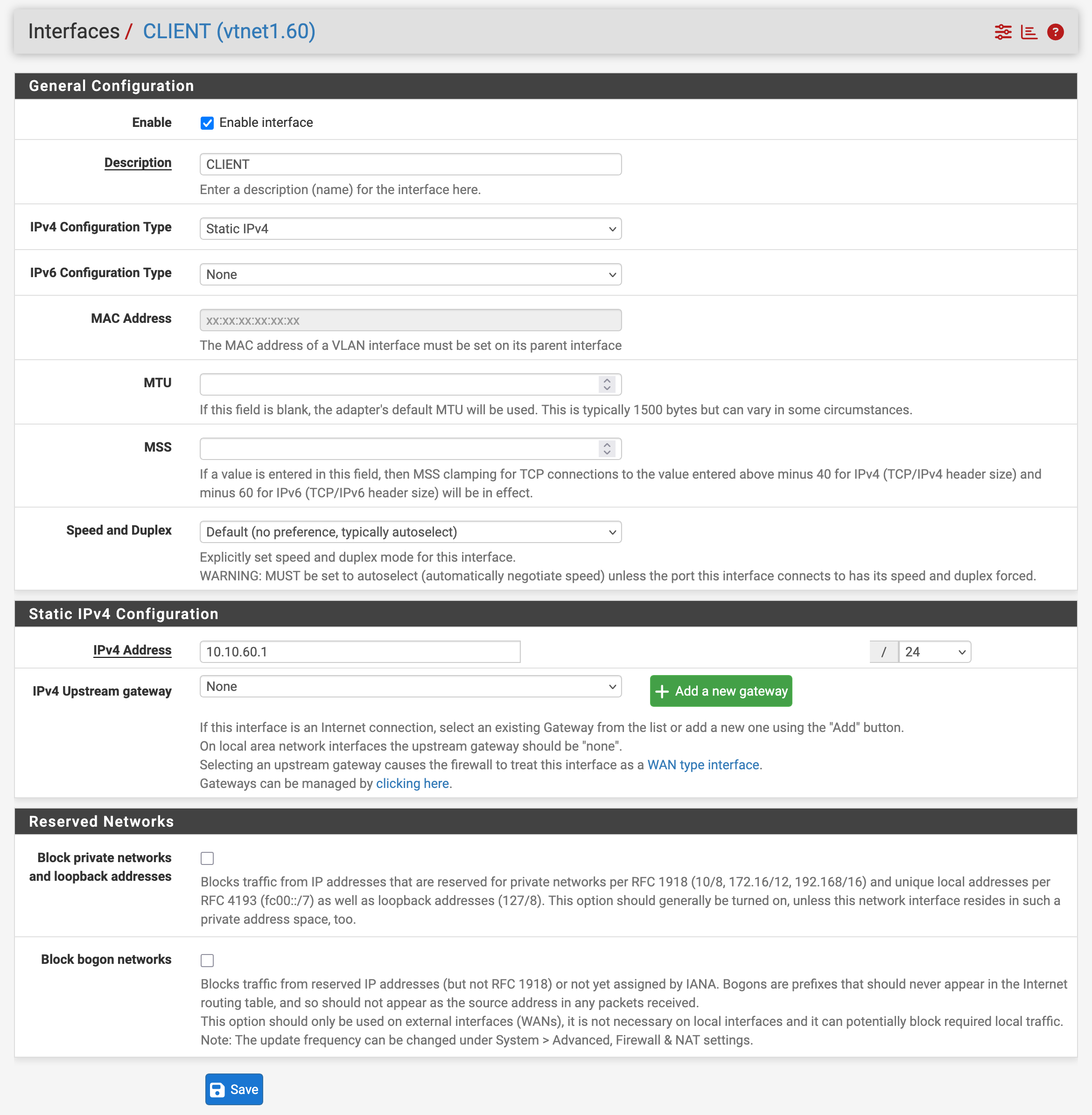
| CLIENT | 60 | 10.10.60.1/24 | Windows endpoints |
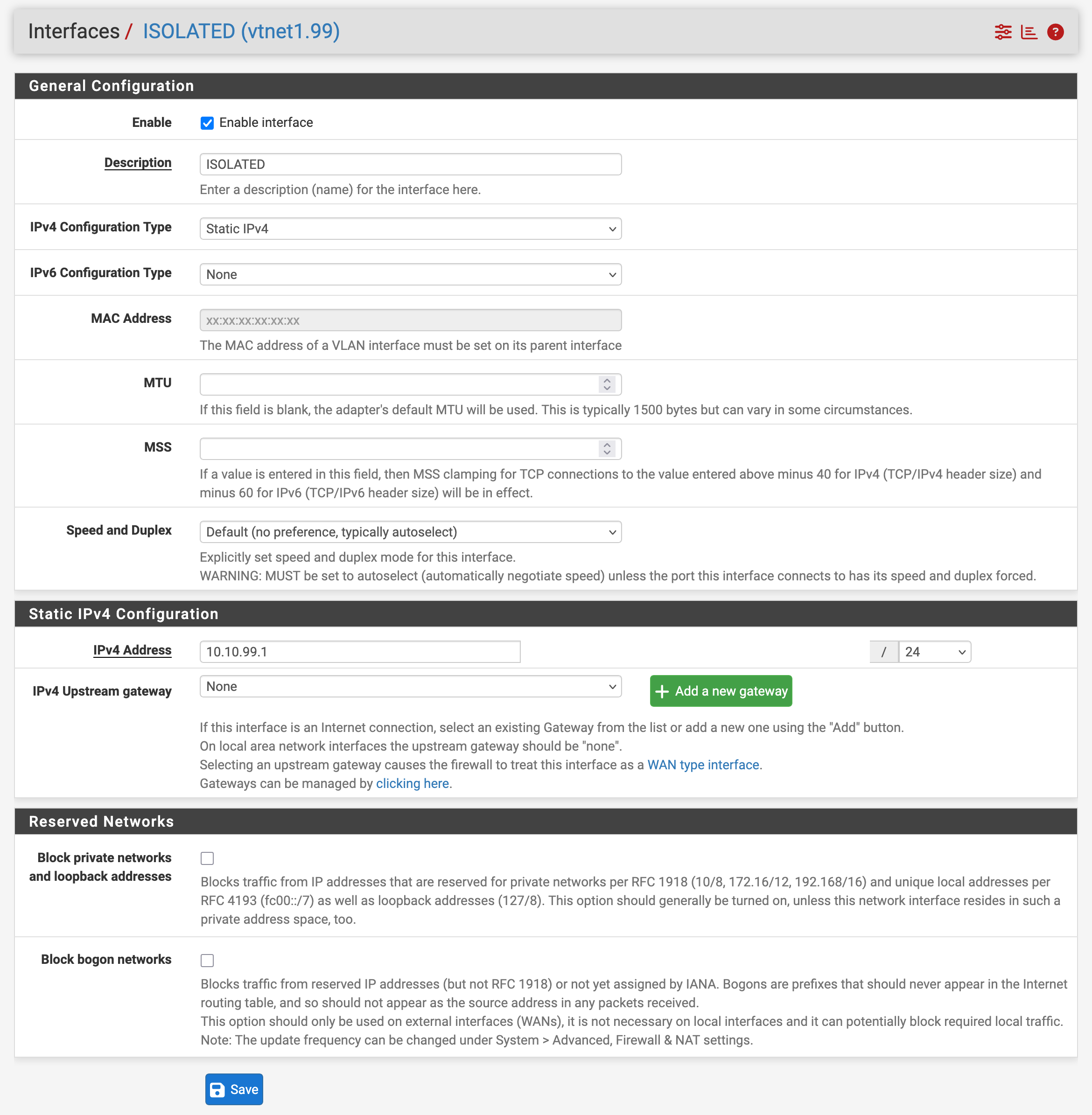
| ISOLATED | 99 | 10.10.99.1/24 | malware-analysis isolation |
Why This Matters
Segmentation gives the lab room to become more than a pile of machines. It helps me answer practical questions:
- Which systems should be allowed to talk?
- What should be blocked by default?
- Where should telemetry originate?
- What does lateral movement look like when it crosses a firewall?
During installation, I temporarily allow broad access so systems can update and download packages. I document this clearly because these rules must not become the final policy.
Topology Slice
pfSense LAN parent: vtnet1
  |
  |-- vtnet1.10  SIEM       10.10.10.1/24
  |-- vtnet1.20  DEFENCE    10.10.20.1/24
  |-- vtnet1.30  CONTAINER  10.10.30.1/24
  |-- vtnet1.40  PENTEST    10.10.40.1/24
  |-- vtnet1.50  HONEYPOT   10.10.50.1/24
  |-- vtnet1.60  CLIENT     10.10.60.1/24
  |-- vtnet1.99  ISOLATED   10.10.99.1/24
Build Steps
Define VLANs
In pfSense:
Interfaces -> VLANs -> Add
Parent:      vtnet1
Tag:         VLAN ID
Description: segment name
Assign VLANs as Interfaces
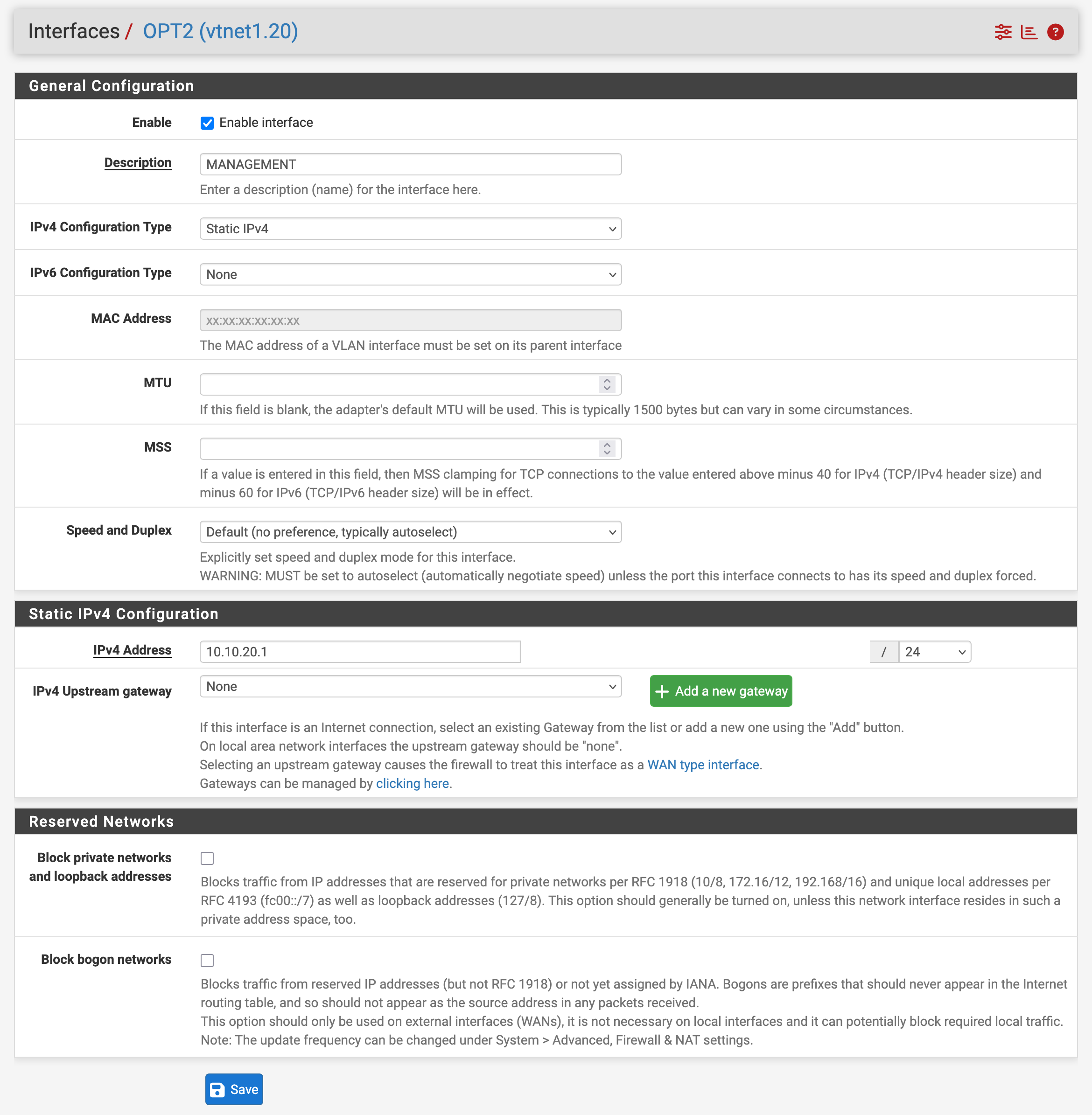
Creating the VLAN object is not enough. I also need to assign each VLAN as a firewall interface.
Interfaces -> Assignments
Available network ports -> vtnet1.X
Add
Enable interface
Rename OPTx to the segment name
Set static IPv4 gateway address
Add Gateway IPs
Each VLAN interface uses .1/24 as its gateway:
Temporary Allow Rules
pfSense blocks new interfaces by default. For the build phase, I copied a broad allow rule to each VLAN:
Action:       Pass
Interface:    target VLAN
Source:       target VLAN net
Destination:  any
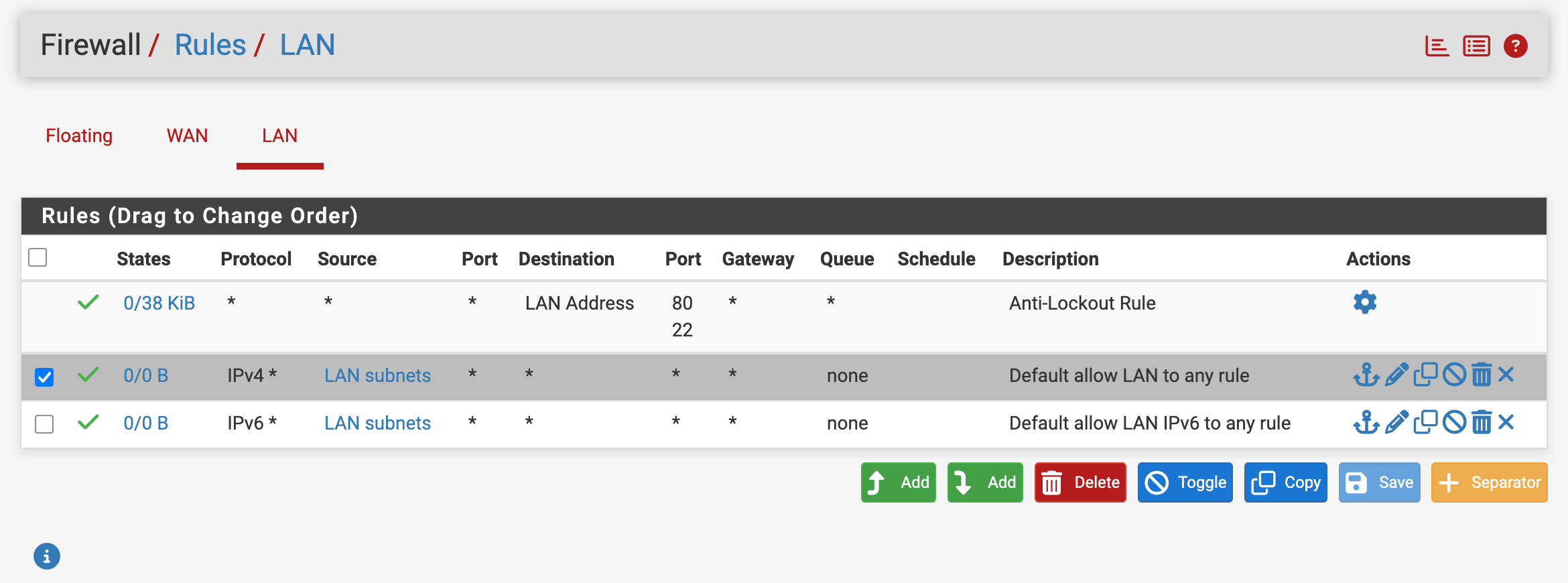
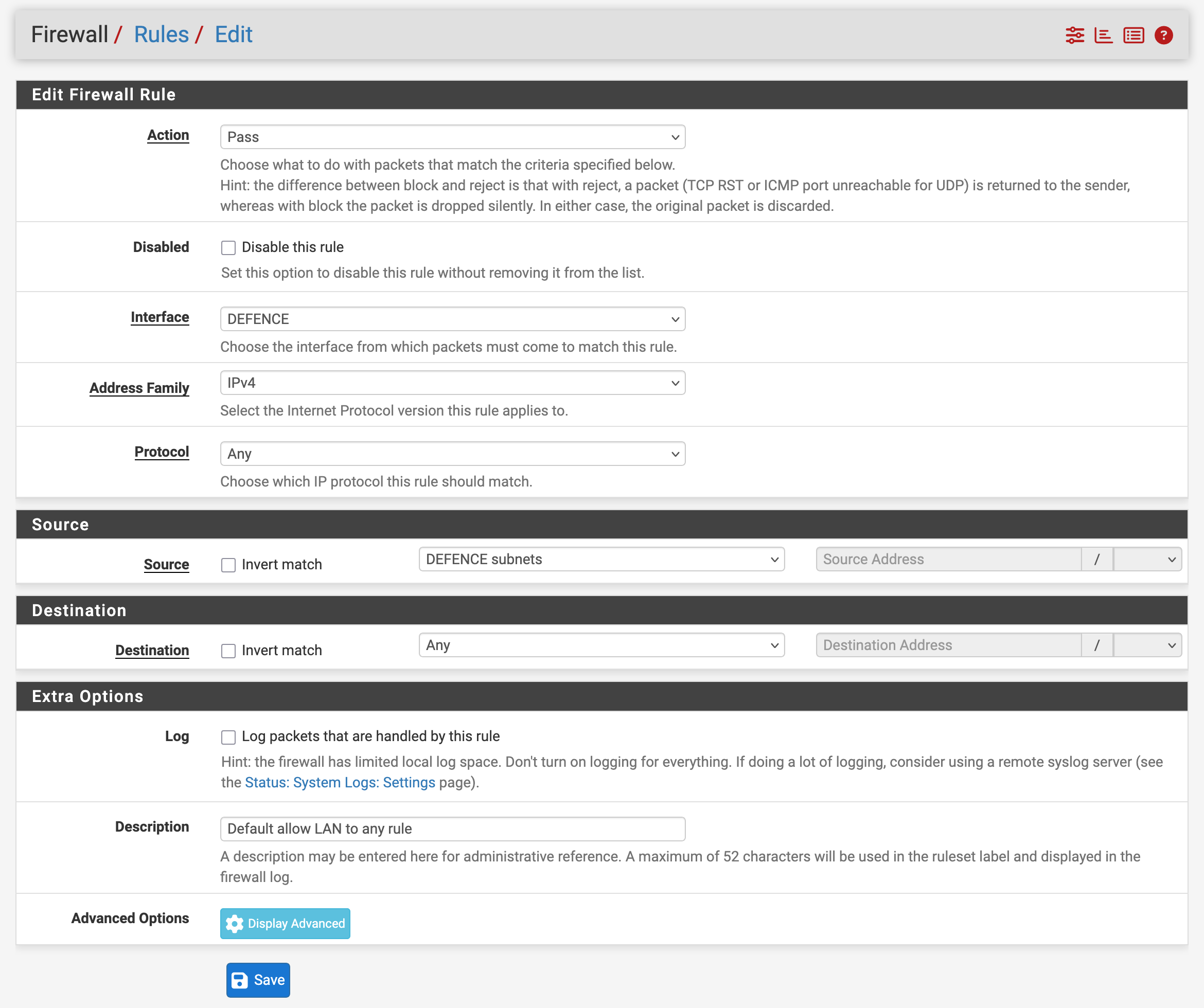
This is not the final firewall policy. It is only a build-phase convenience so VMs can update, download packages, and be configured. The final inter-VLAN policy comes in Part 11.
Initial DHCP and DNS
During the early build, pfSense handled DHCP for install convenience:
LAN:        10.10.1.100-10.10.1.200
DEFENCE:    10.10.20.100-10.10.20.200
CONTAINER:  10.10.30.100-10.10.30.200
CLIENT:     10.10.60.100-10.10.60.200
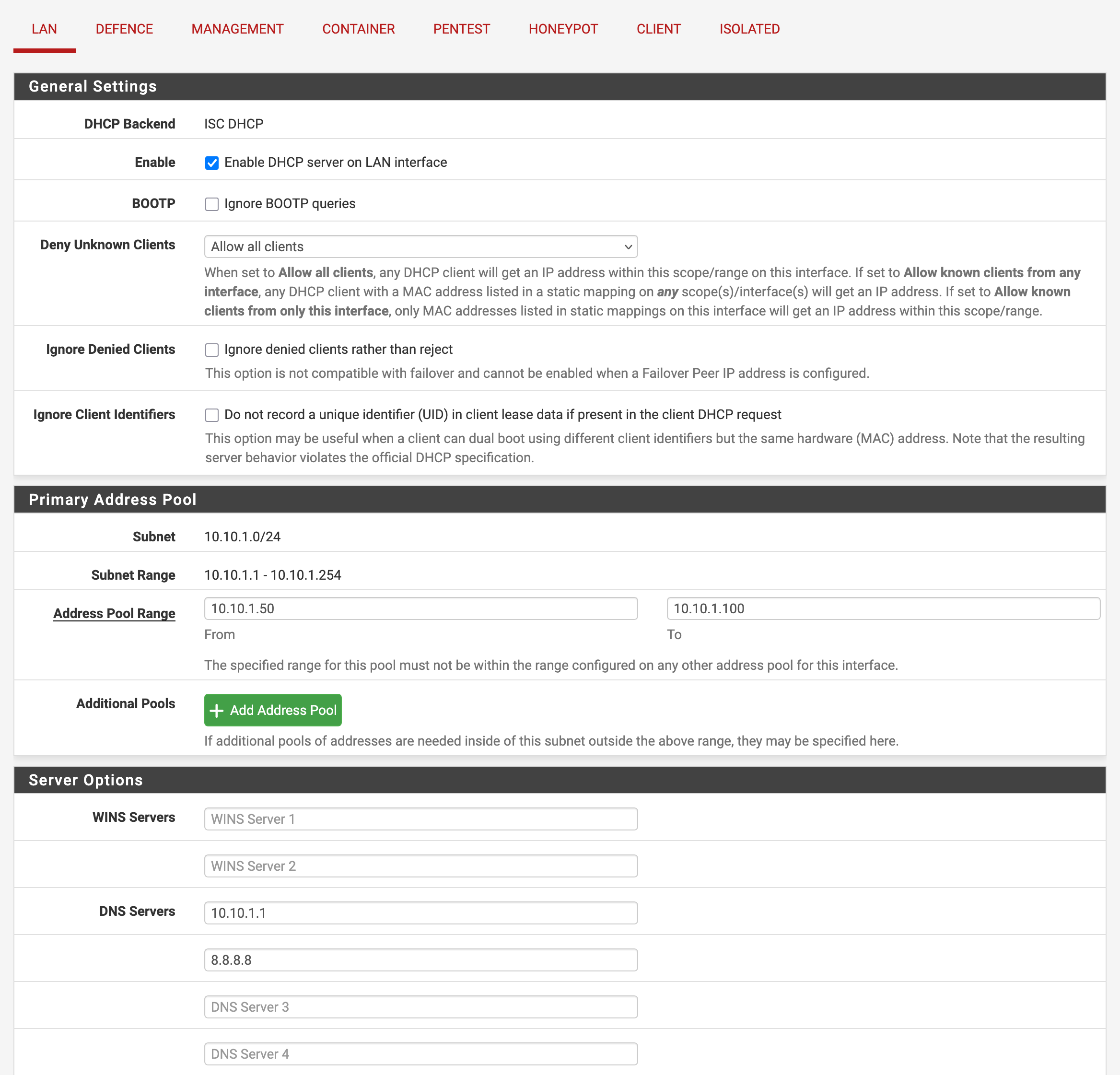
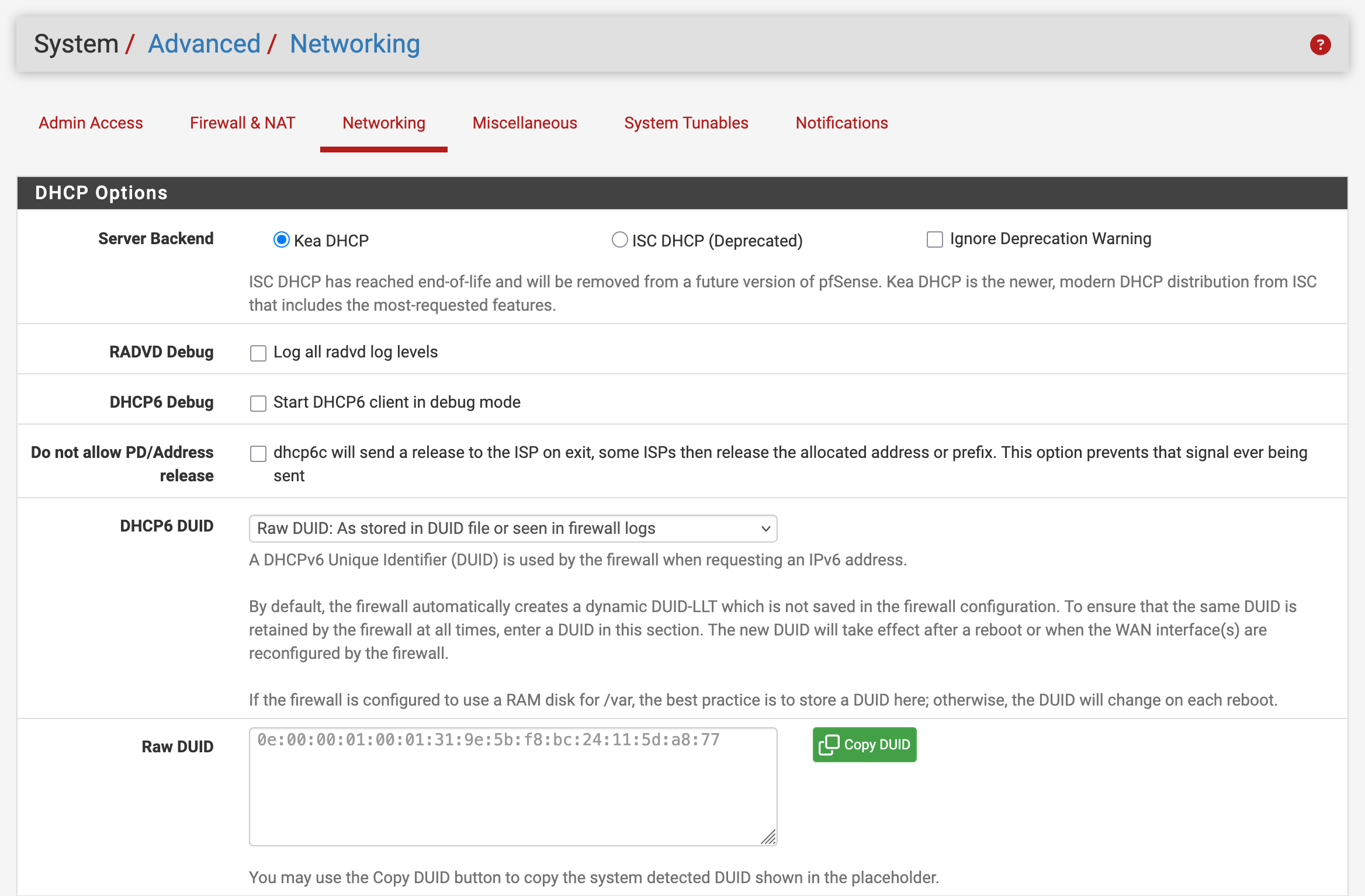
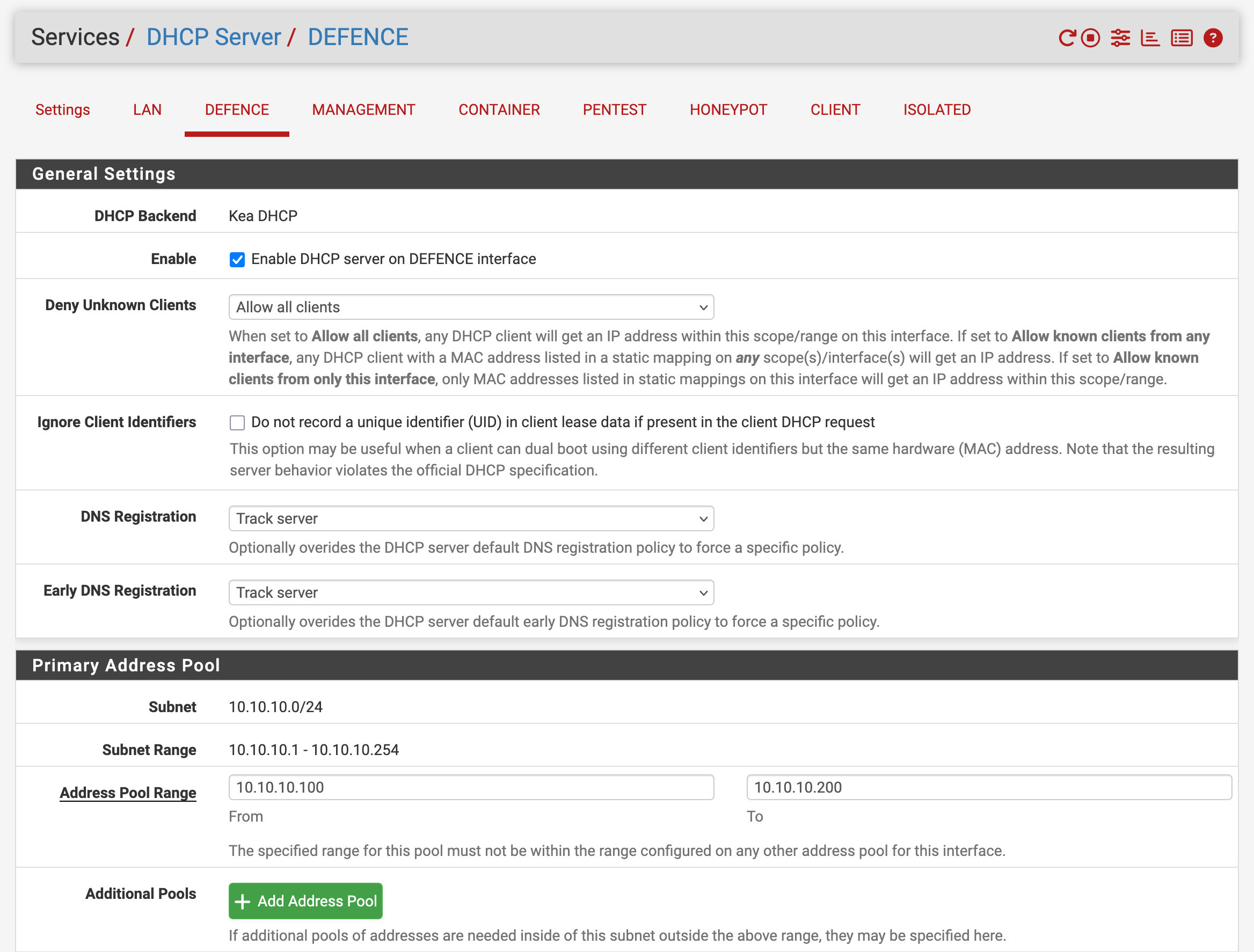
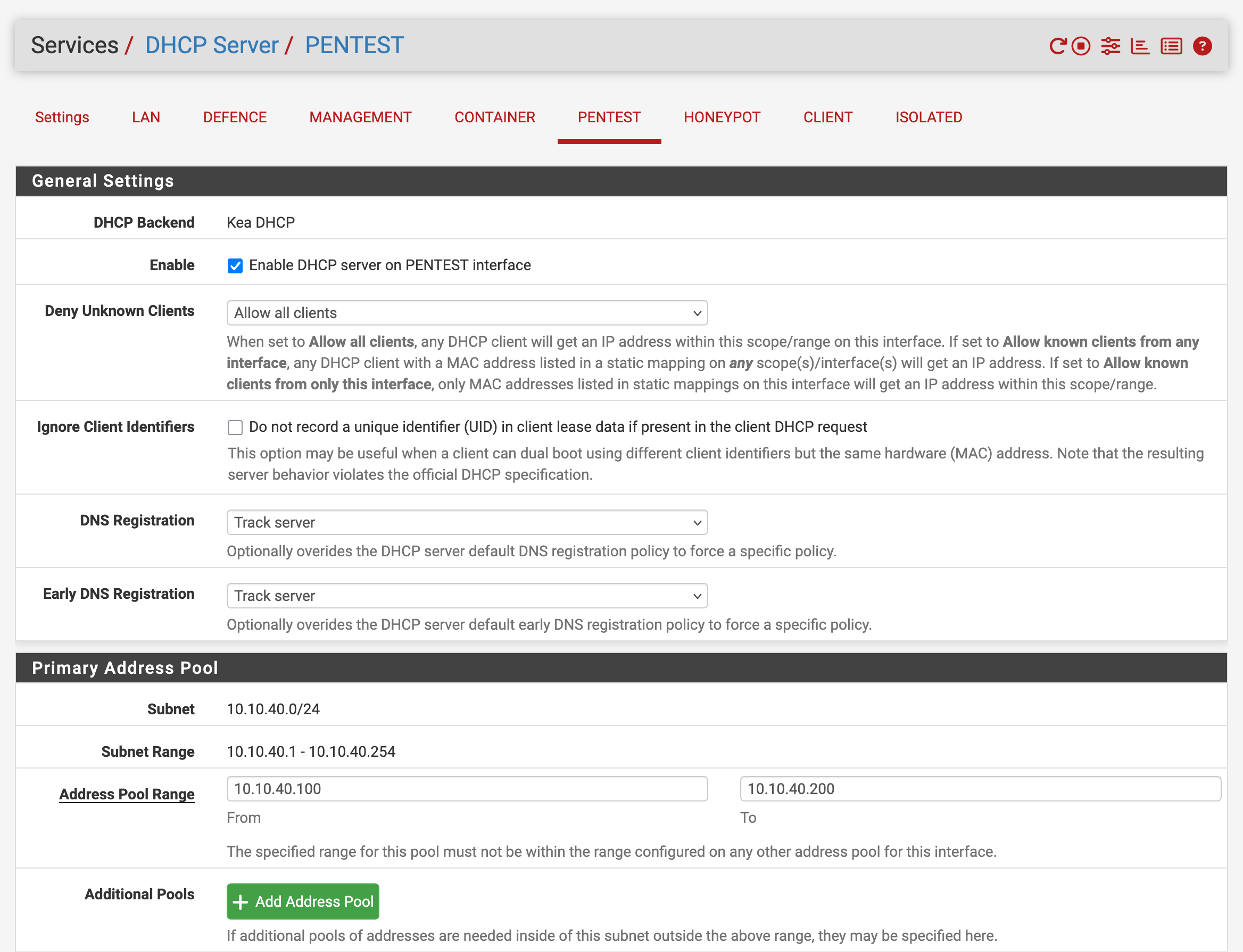
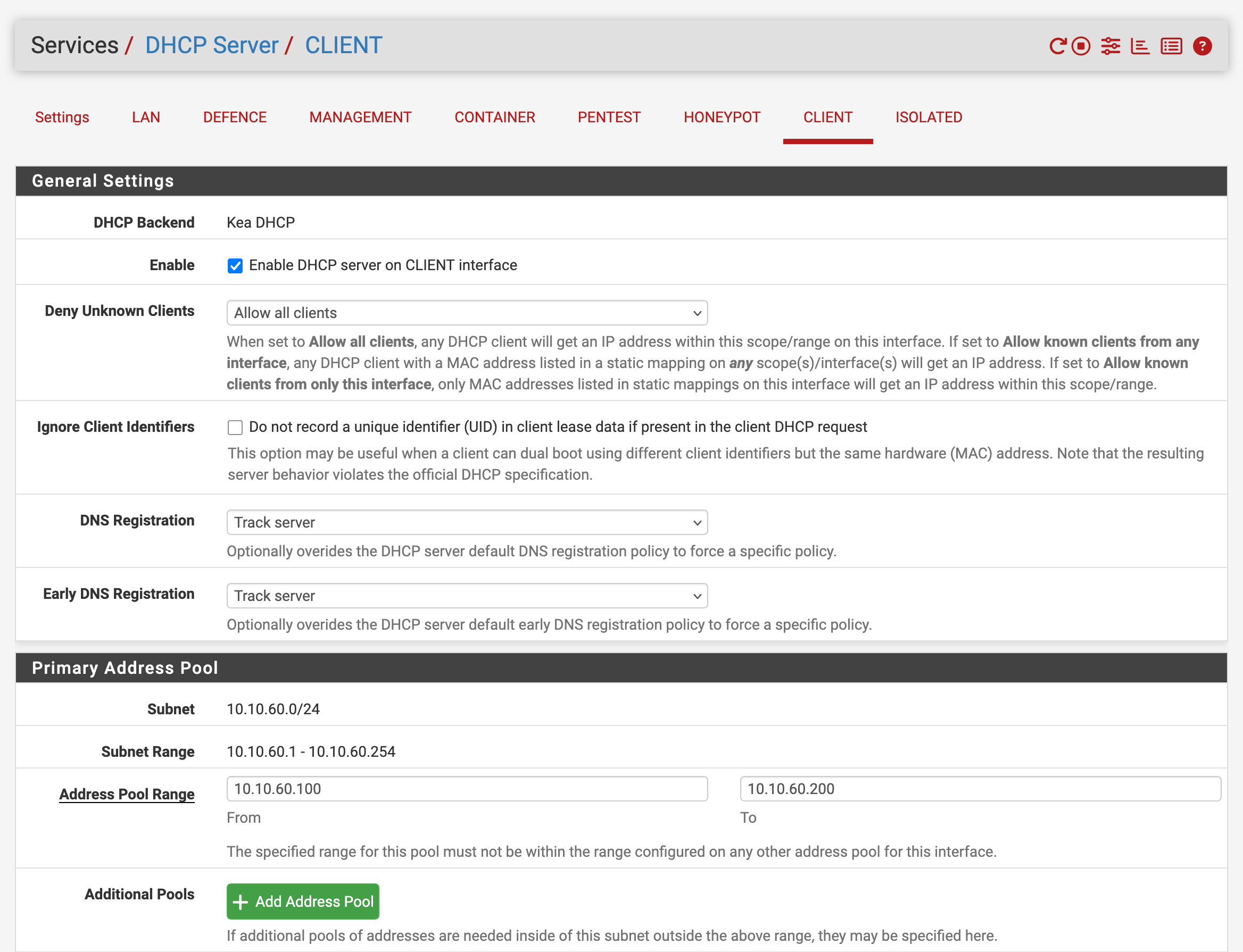
Later, after Active Directory is introduced, Windows Server takes over DHCP and pfSense becomes a DHCP relay.
Problems I Hit
A VLAN is not automatically an interface. I had to define the VLAN and then assign it as an interface before firewall rules, IP addressing, and DHCP tabs made sense.
Install-phase allow rules are dangerous if they become permanent. They are useful while building, but they erase most of the value of segmentation if I leave them as the final policy.
DHCP ranges must be planned with later static ranges. VLAN 30 eventually hosts Docker macvlan addresses, so DHCP starts at .100 and the container block stays below that.
ISOLATED should not be treated like a normal VLAN. The gateway and IP plan can exist early, but malware-analysis work needs stricter isolation and explicit block rules later.
What I Learned
Segmentation is not only subnets. A working segment needs a VLAN tag, an assigned firewall interface, a gateway IP, an addressing plan, and a firewall policy.
Doing those steps in order made later troubleshooting much easier. When a VM failed to get an IP address or route traffic, I could check each layer instead of guessing.
Validation Evidence
For each VLAN:
Interface exists in pfSense.
Gateway IP is .1/24.
Temporary allow rule exists for build phase.
DHCP is enabled only where needed.
Useful pfSense checks:
Interfaces -> Assignments
Interfaces -> <VLAN name>
Firewall -> Rules -> <VLAN name>
Services -> DHCP Server
Status -> DHCP Leases
What This Enables Next
Now that the network segments exist, I can place real systems into them: Docker in CONTAINER, Kali and targets in PENTEST, Wazuh in SIEM, honeypots in HONEYPOT, and Windows identity services in DEFENCE.
Quick Reference
VLAN parent: vtnet1
Gateway pattern: 10.10.<VLAN>.1/24
Install DHCP pool: 10.10.<VLAN>.100-200
Temporary rule: source <VLAN net> -> any
Final firewall rules: later hardening phase