In Part 4, I created the Docker platform. In this part, I add the first classic offensive-security pair: Kali as the attacker and Metasploitable as the intentionally vulnerable target.
Both machines live in the PENTEST VLAN. This keeps practice traffic away from the rest of the lab until I deliberately allow a path through pfSense.
What I Built
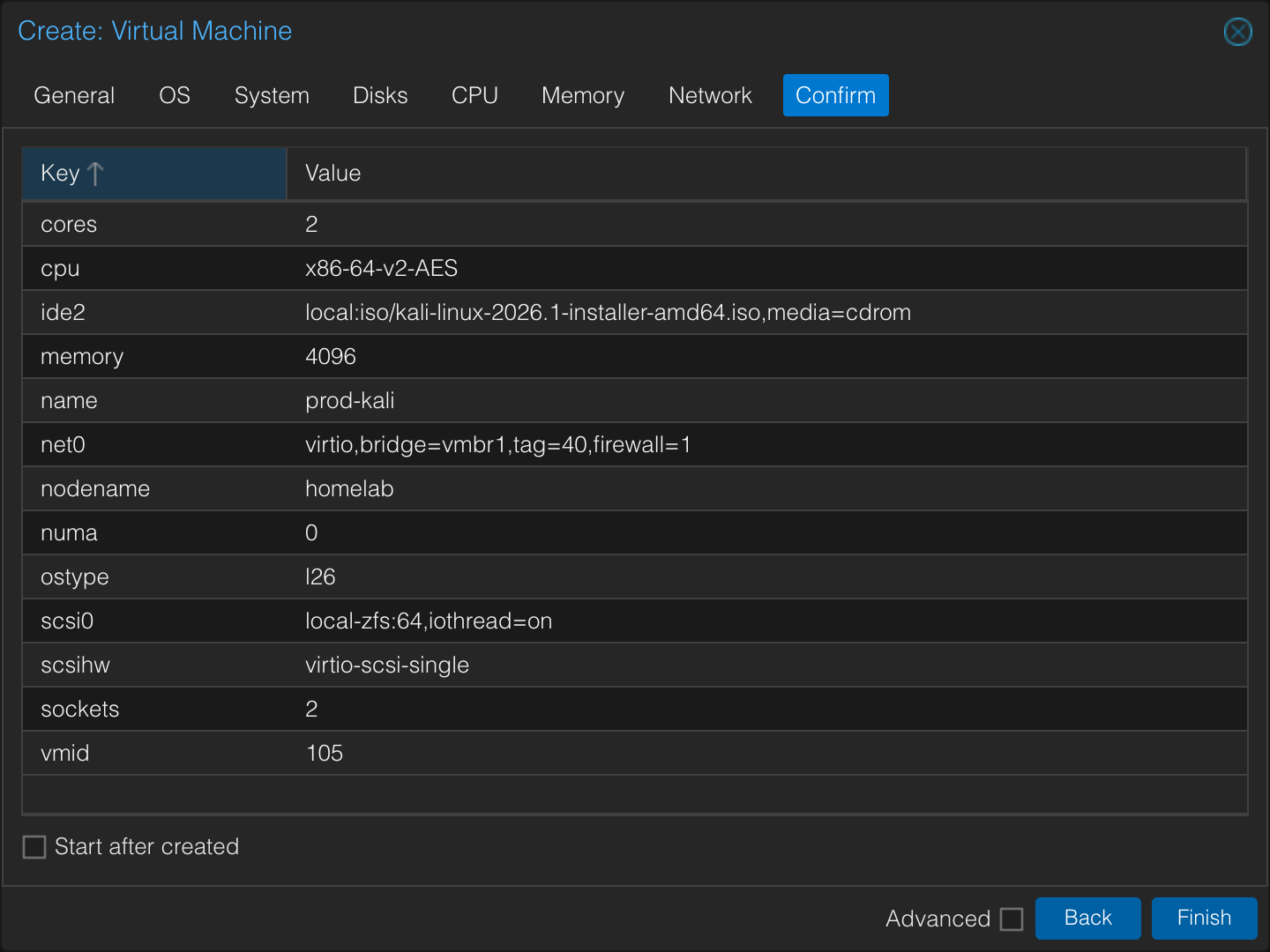
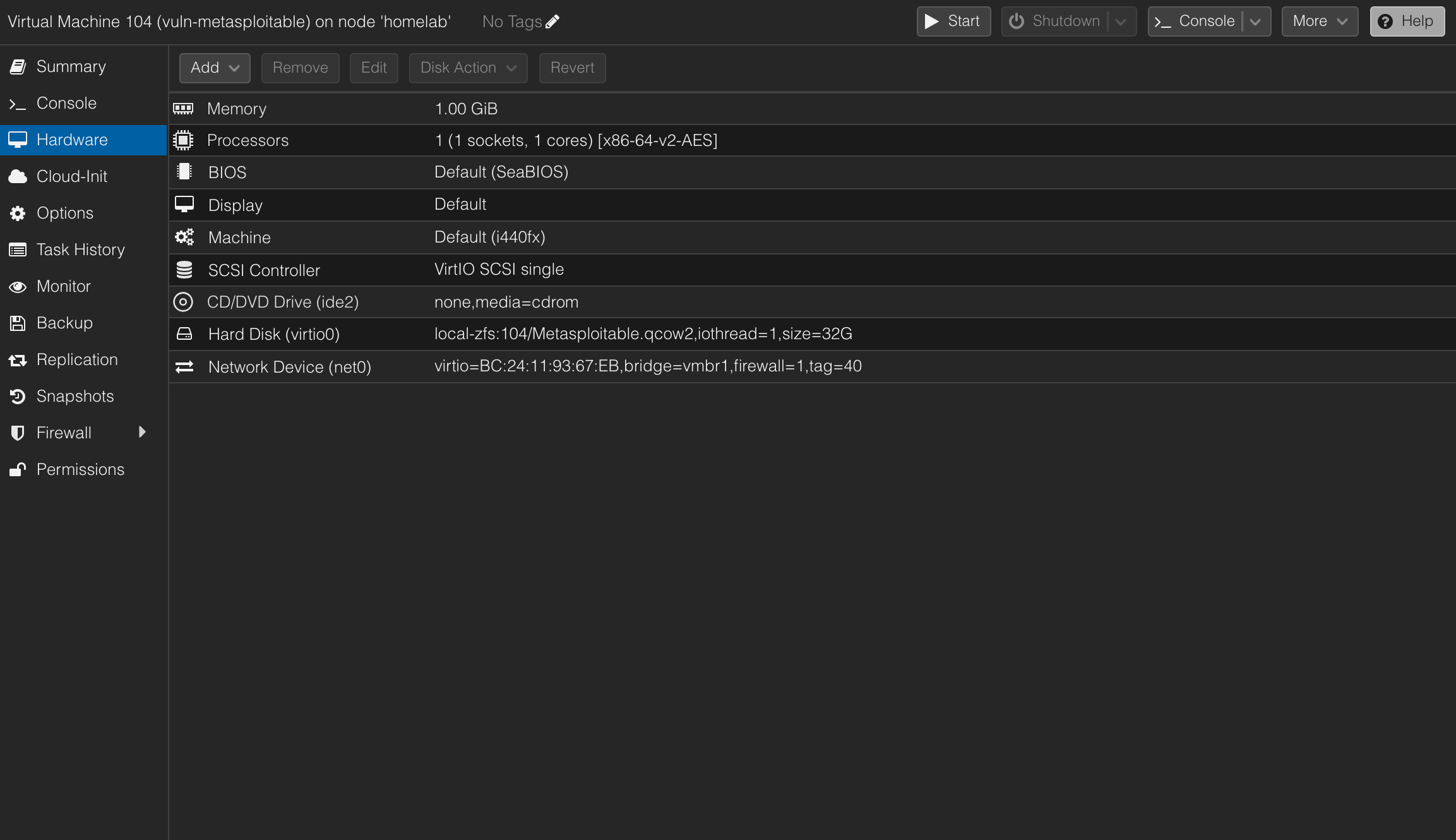
Segment:          PENTEST
VLAN:             40
Gateway:          10.10.40.1
Kali IP:          10.10.40.102
Metasploitable:   10.10.40.100
Why This Matters
A cybersecurity lab needs targets, but target placement matters. Metasploitable should not sit on a management LAN or a production-like domain segment. It belongs in a controlled attack segment where I decide which paths exist.
This lets later firewall work become meaningful:
PENTEST -> HONEYPOT     allowed for testing
PENTEST -> CLIENT       controlled attack simulations only
PENTEST -> SIEM         usually blocked except explicit management paths
Topology Slice
PENTEST VLAN 40 / 10.10.40.0/24
        |
        |-- Kali Linux          10.10.40.102
        |-- Metasploitable 2    10.10.40.100
        |
pfSense gateway: 10.10.40.1
Build Steps
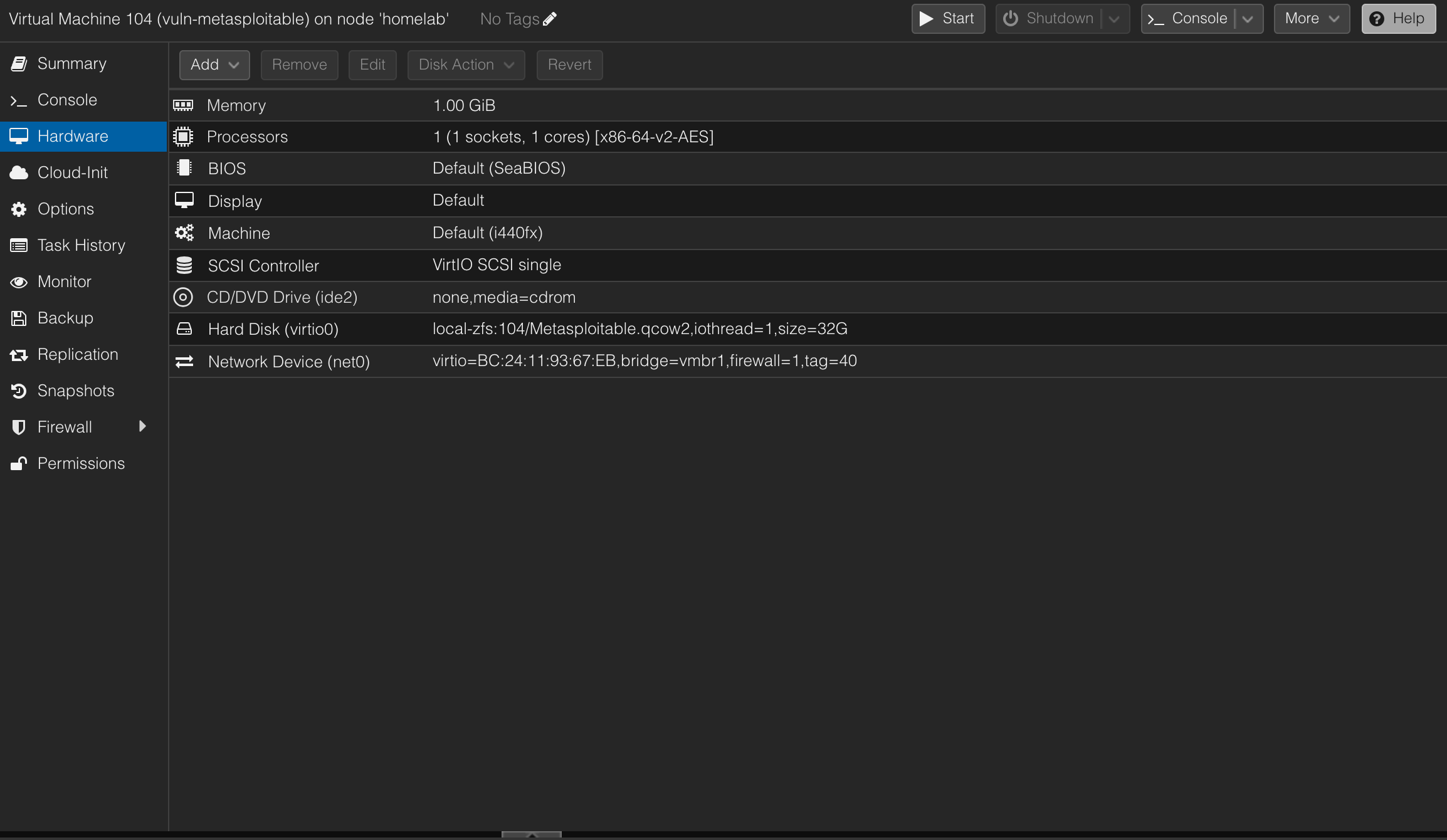
Import Metasploitable
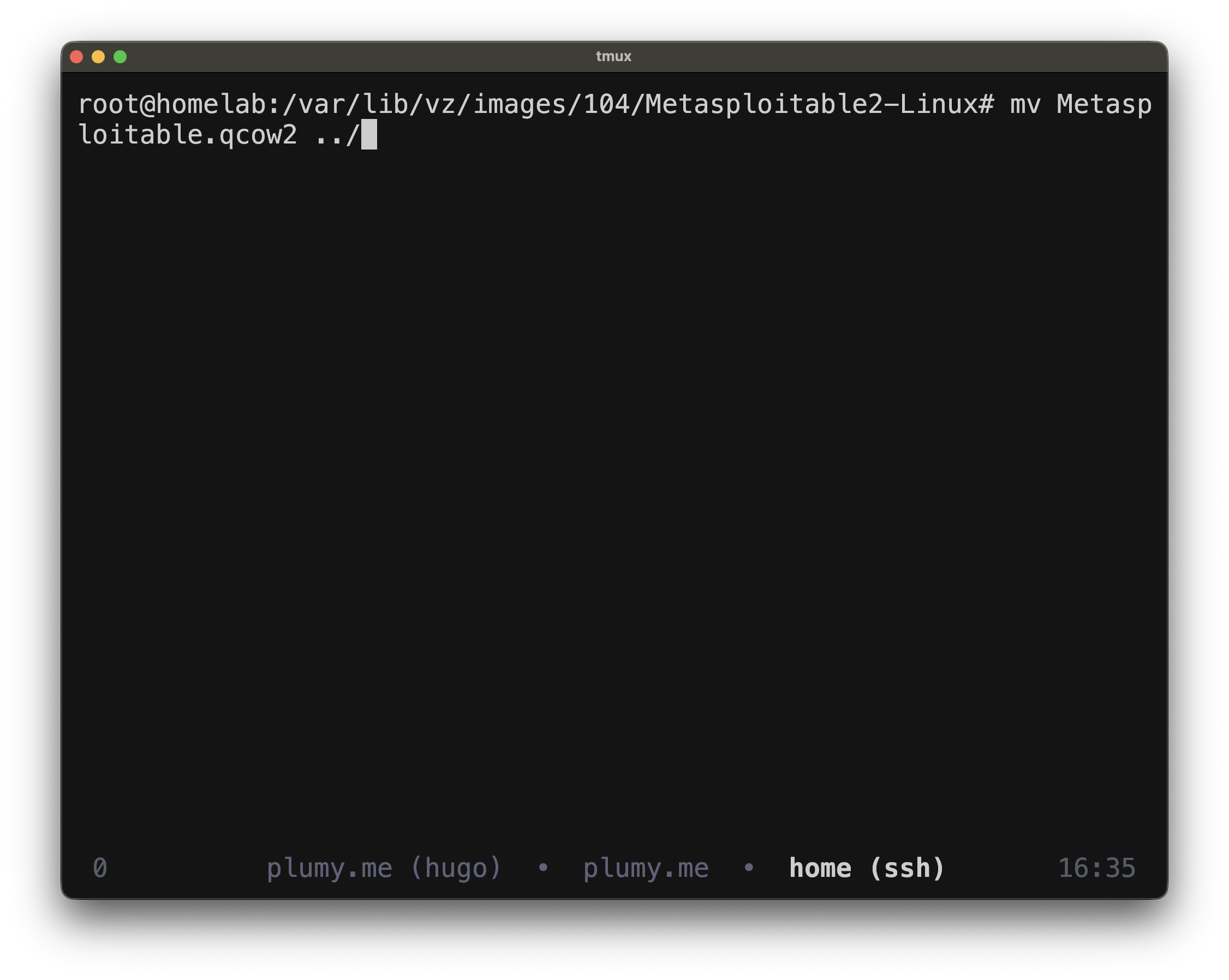
Metasploitable ships as a ready disk image, not as a normal ISO installer. The Proxmox flow is:
Create empty VM -> download image -> import disk -> attach disk -> set boot order
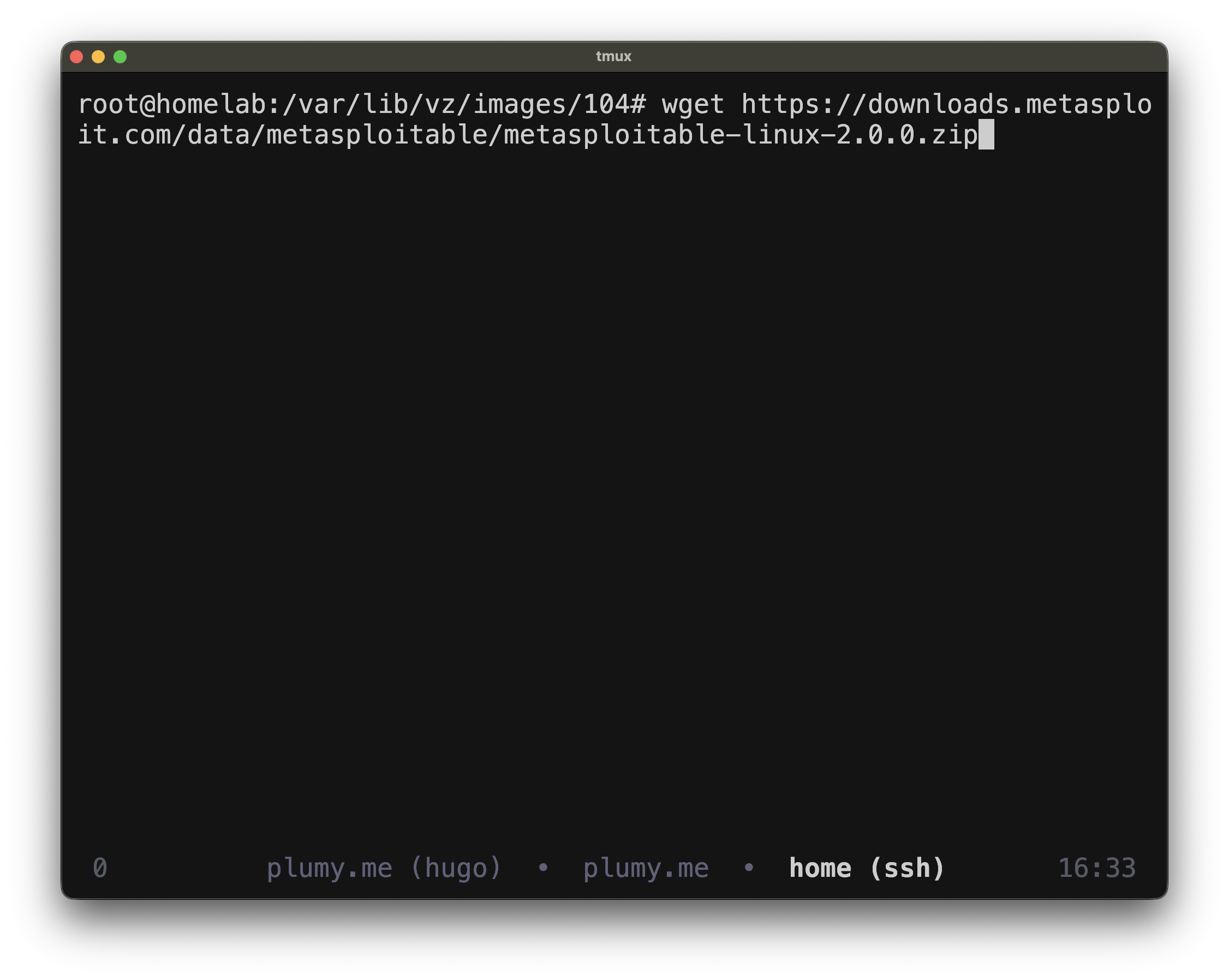
On Proxmox:
cd /var/lib/vz/images/104
wget https://downloads.metasploit.com/data/metasploitable/metasploitable-linux-2.0.0.zip
unzip metasploitable-linux-2.0.0.zip
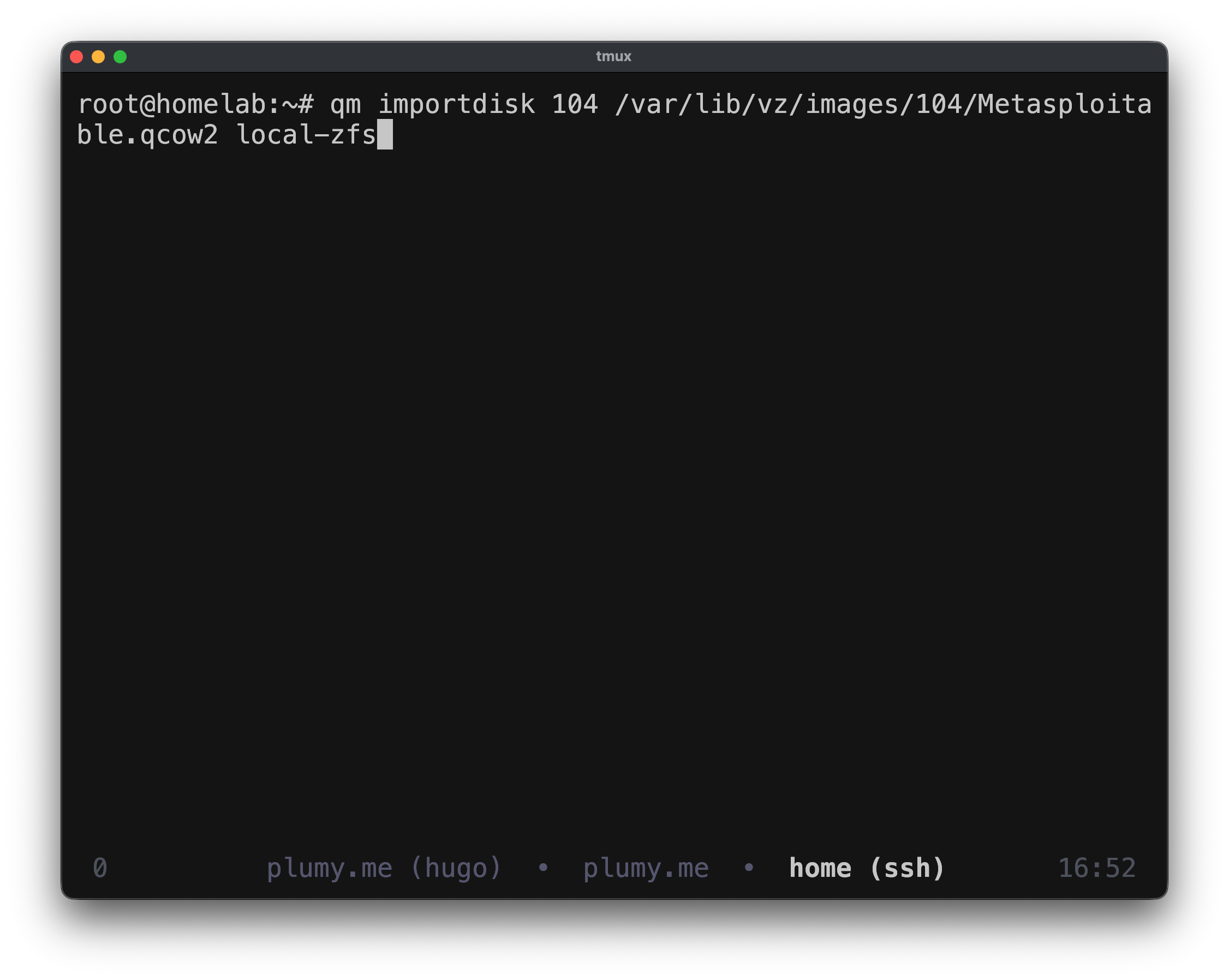
qm importdisk 104 Metasploitable.vmdk local-zfs
Fix the ZFS Volume Reference
The first boot failed with:
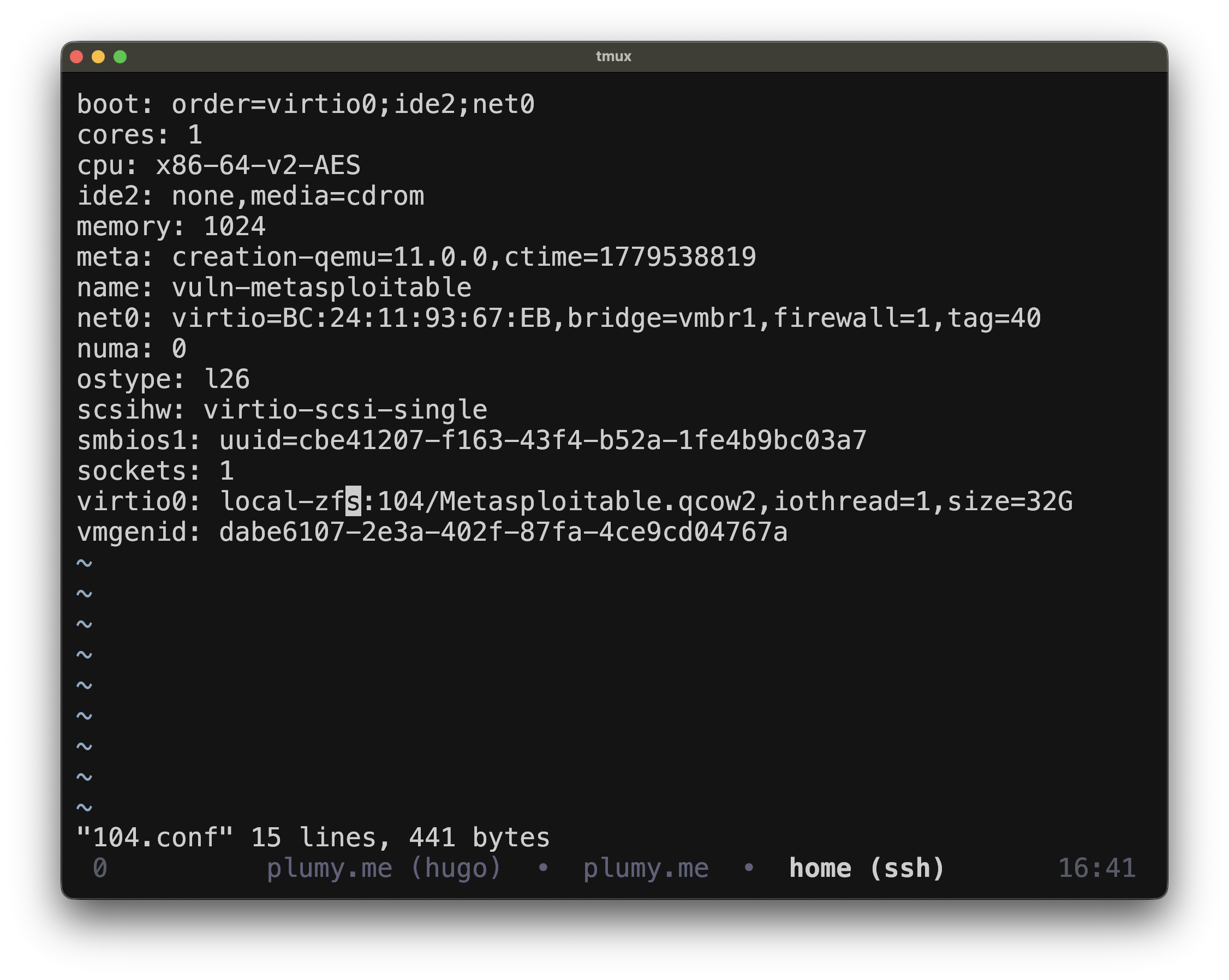
TASK ERROR: unable to parse zfs volume name '104/Metasploitable.qcow2'
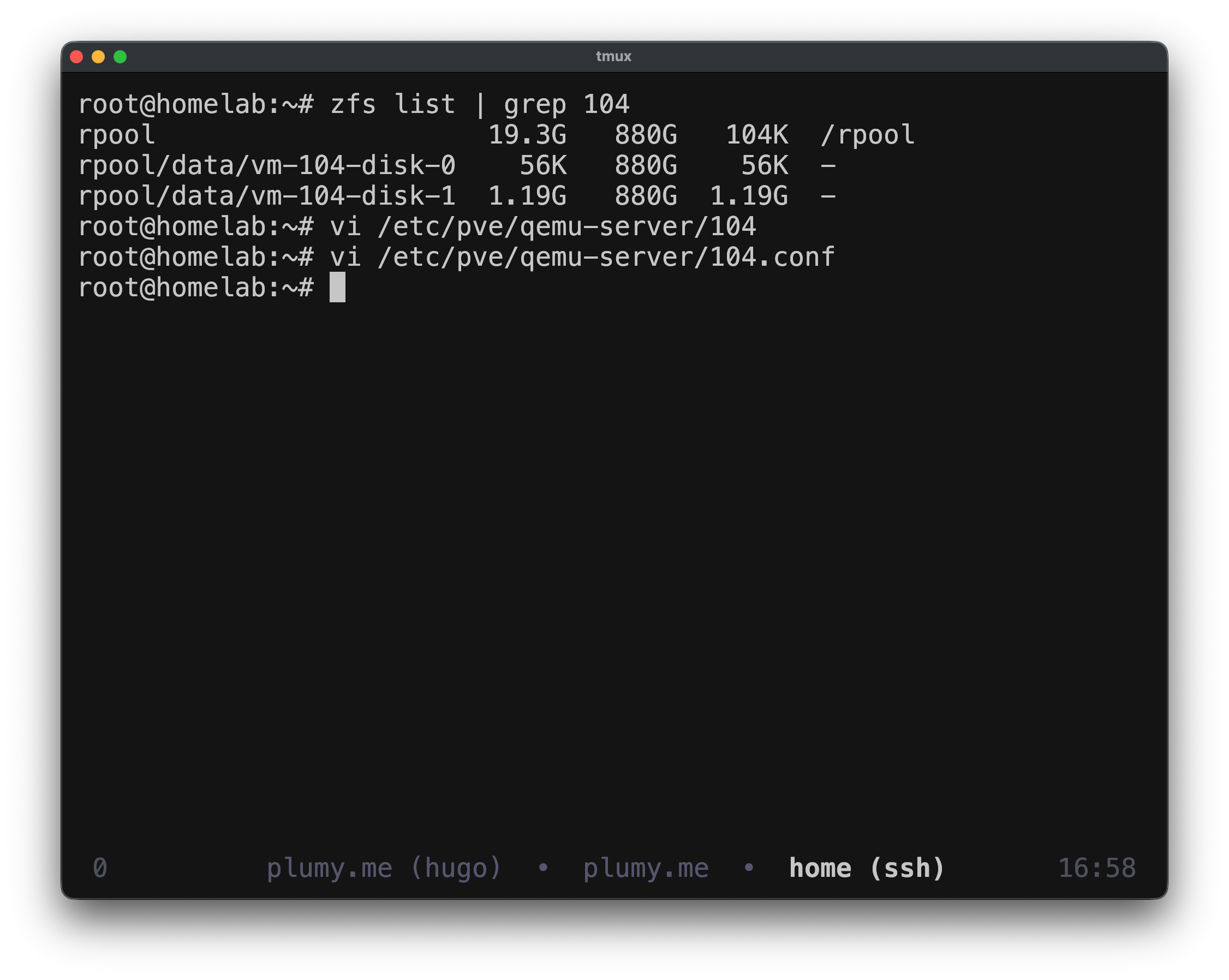
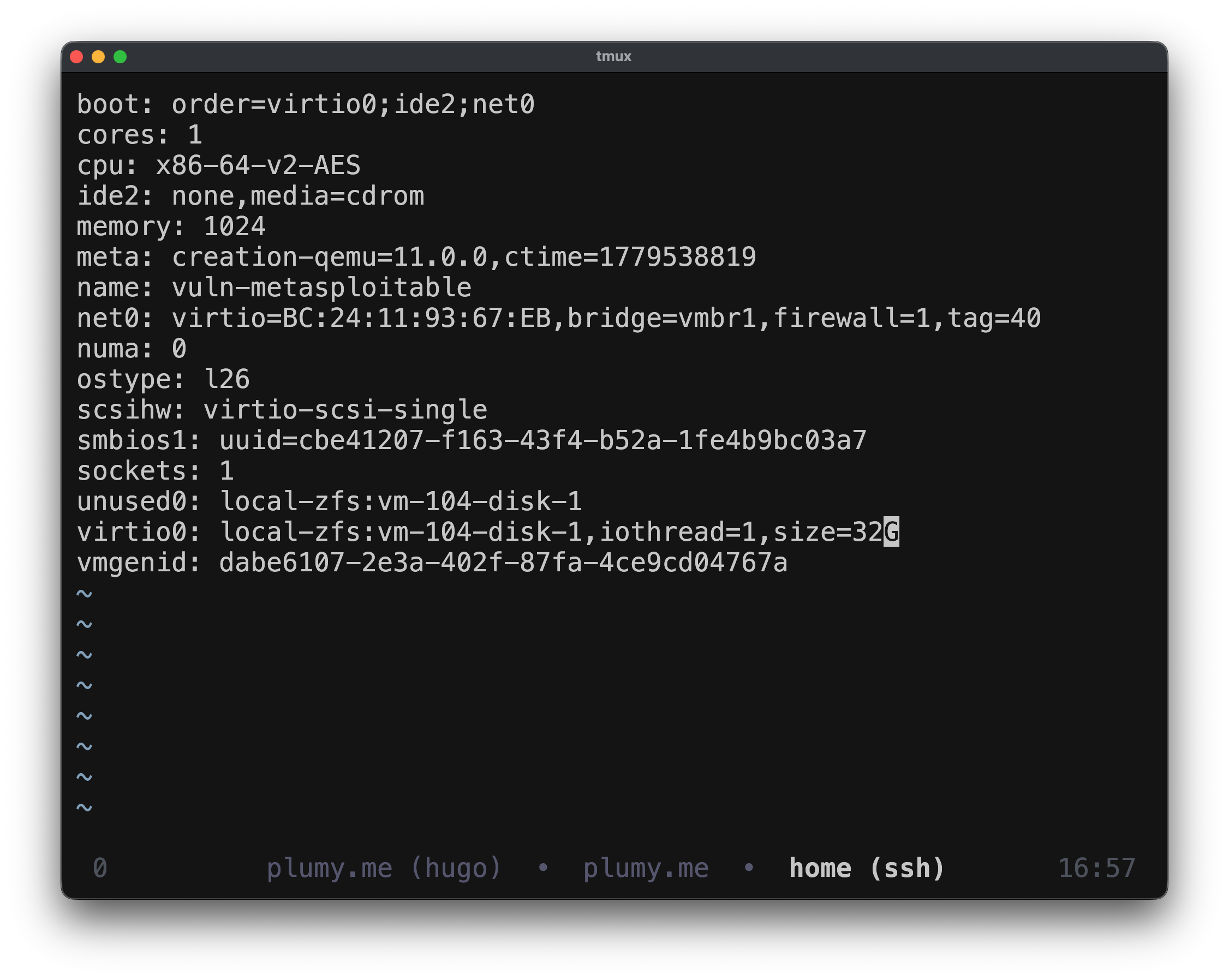
The disk existed, but the VM config referenced it incorrectly. ZFS expects the vm-<id>-disk-<n> naming format.
zfs list | grep 104
vi /etc/pve/qemu-server/104.conf
Correct disk line:
virtio0: local-zfs:vm-104-disk-1,iothread=1,size=32G
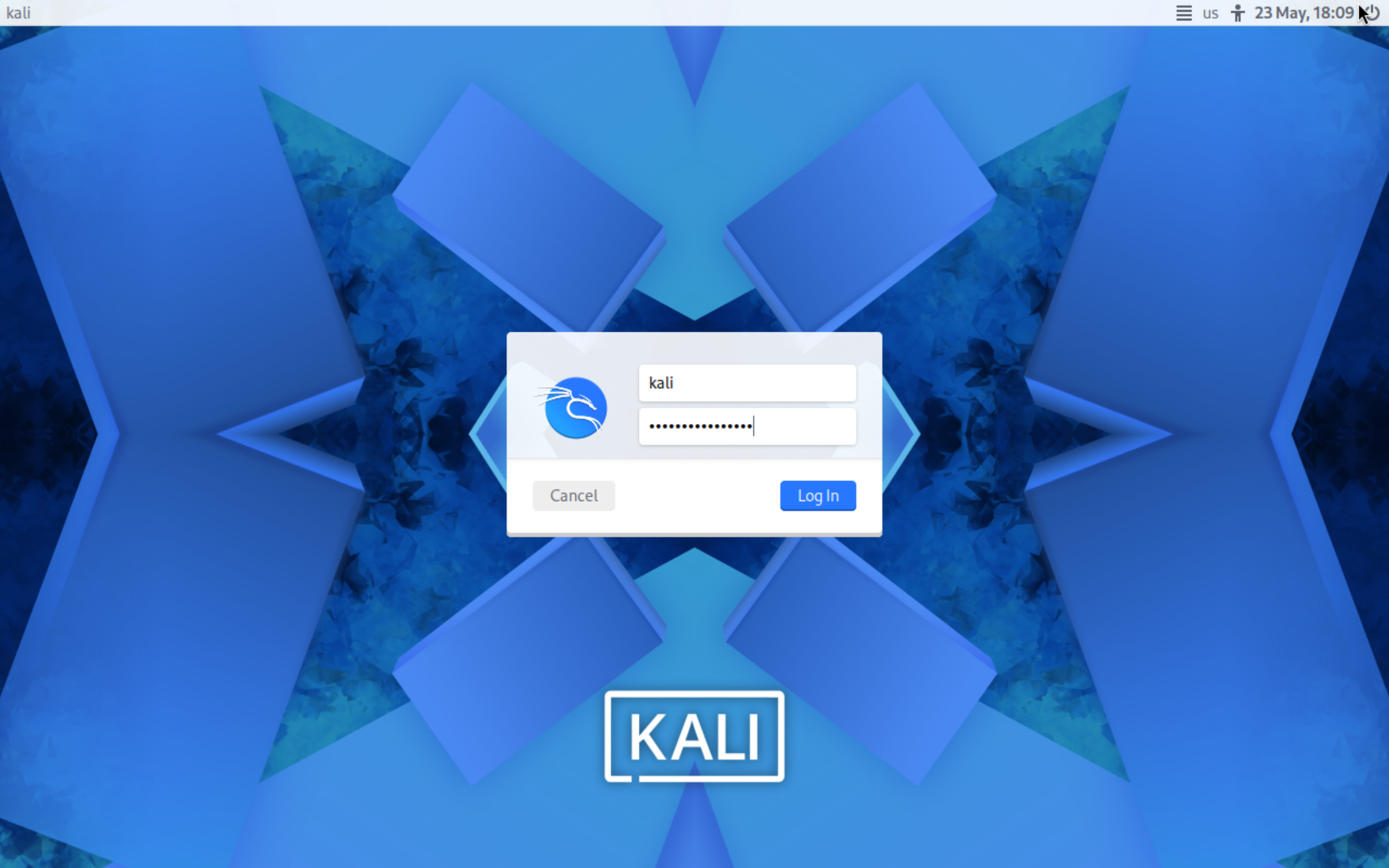
Install Kali
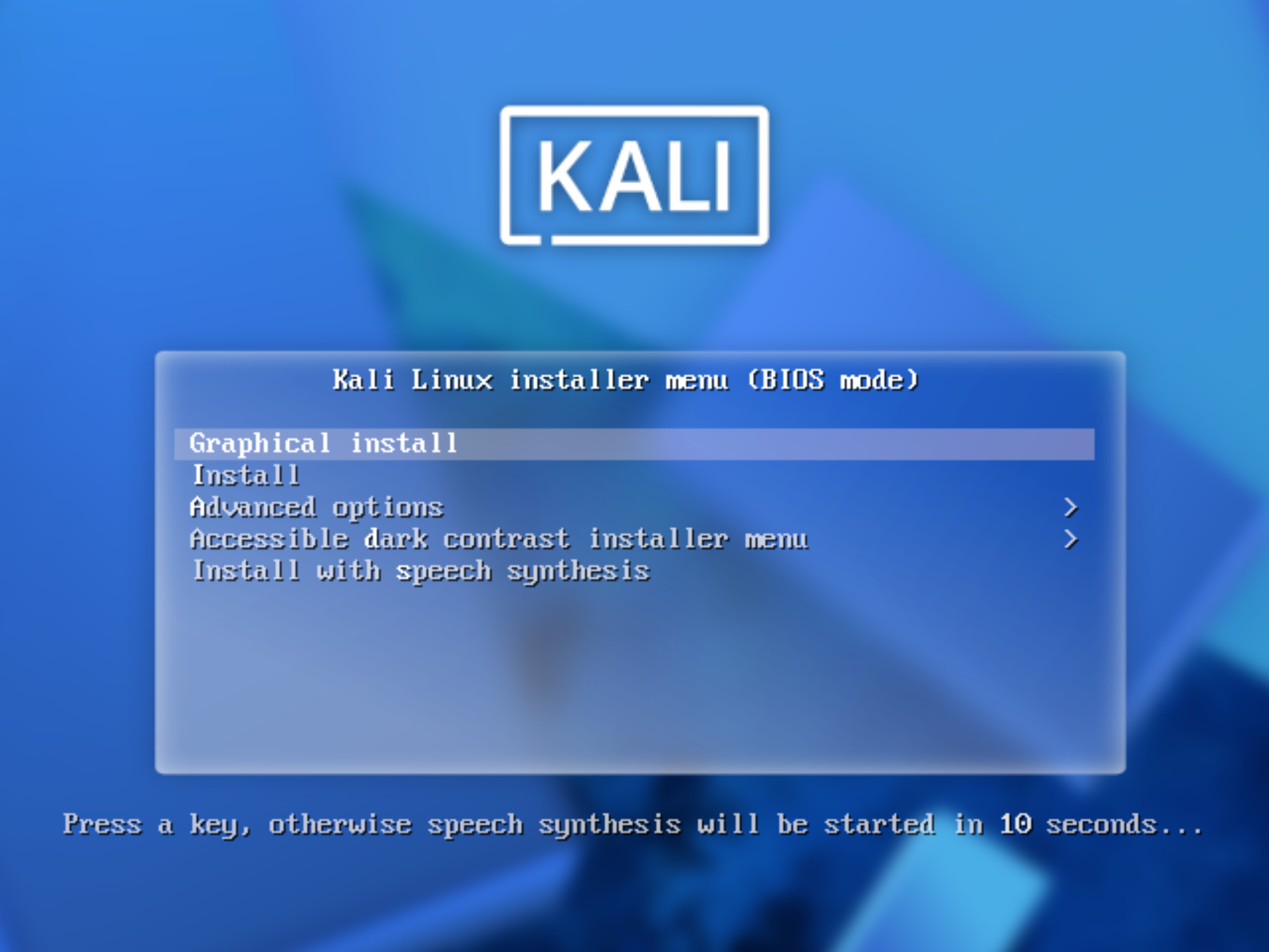
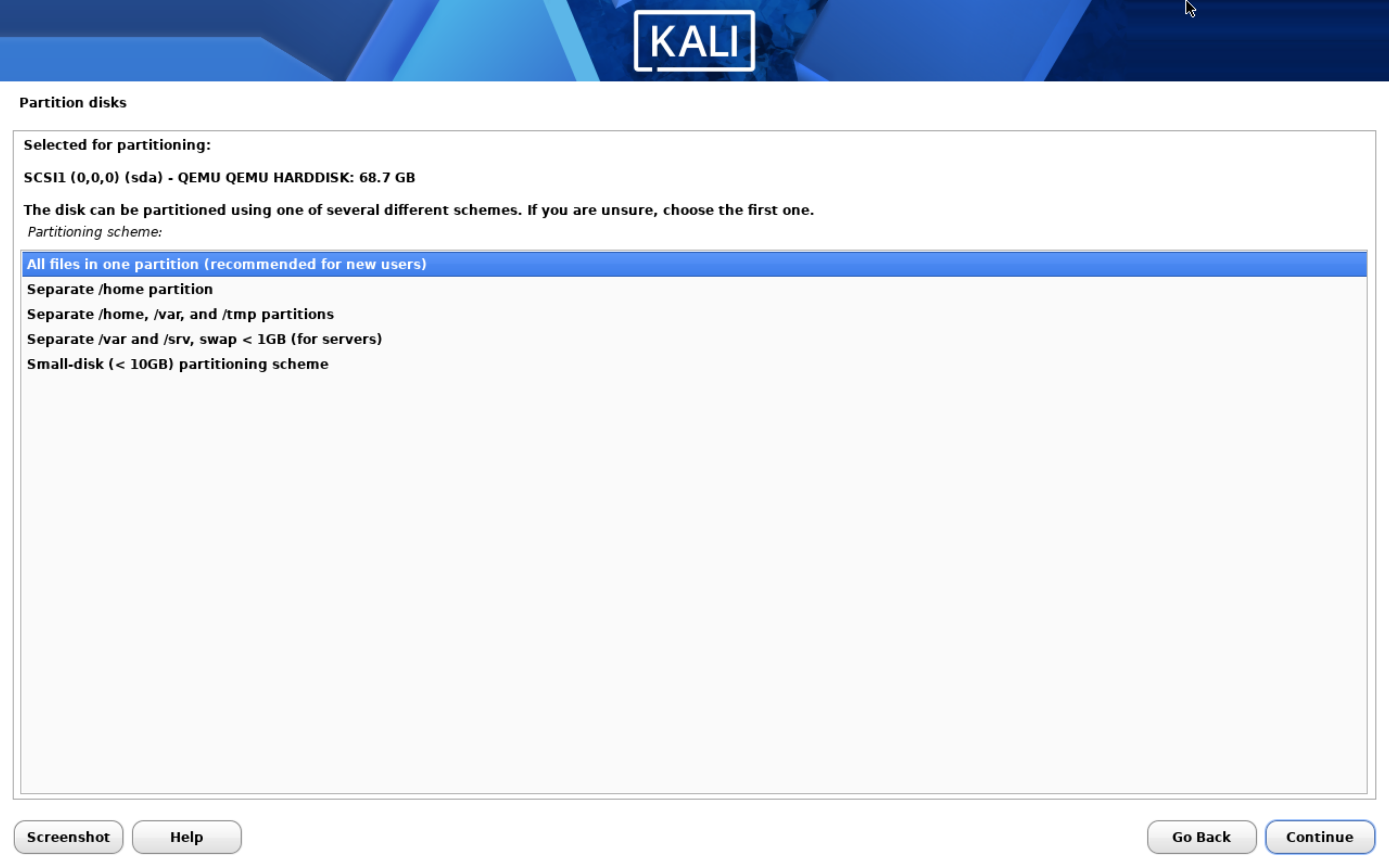
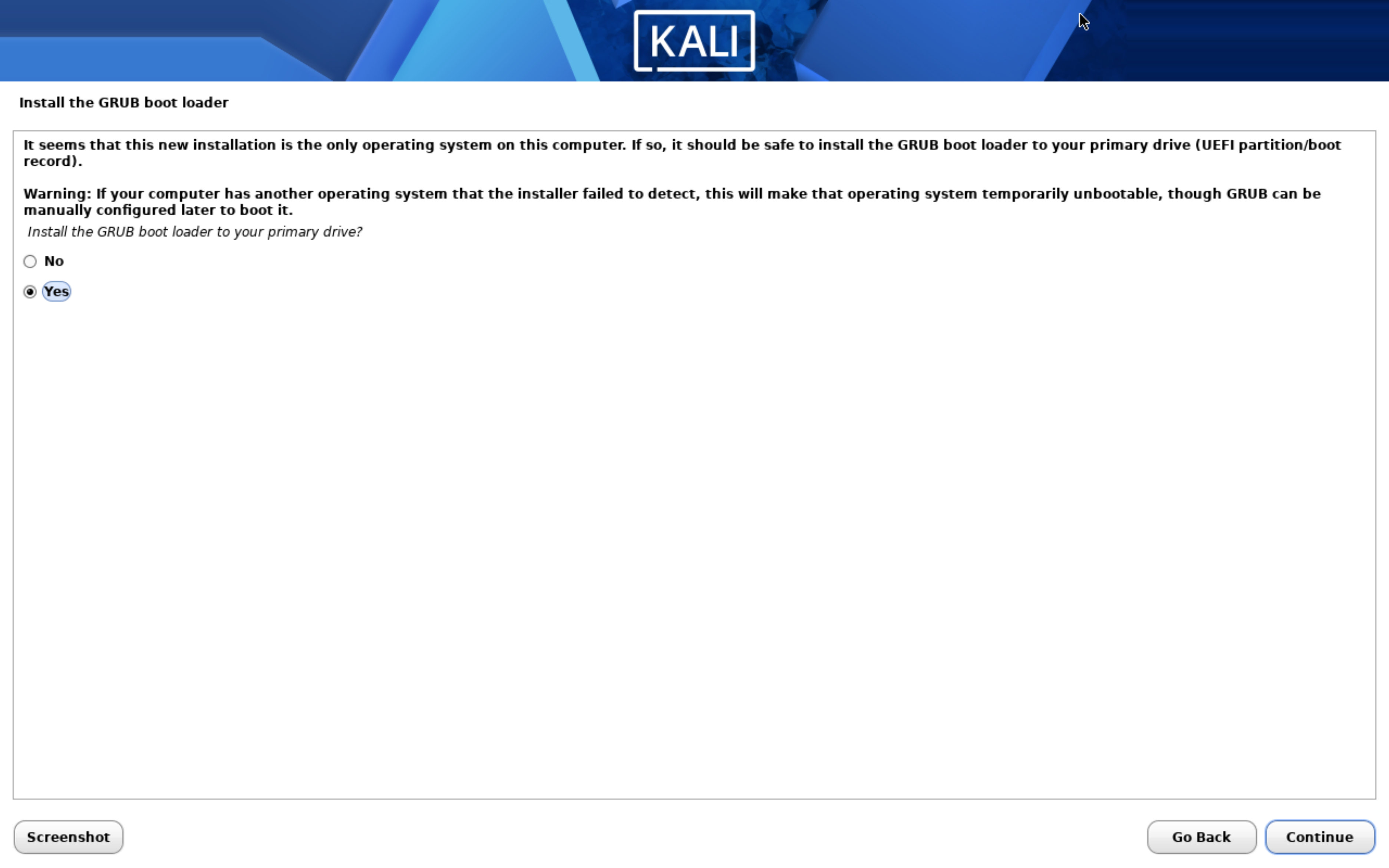
Kali used the normal graphical installer. The important Proxmox setting is the same: vmbr1 with VLAN tag 40.
Make the Lab Route Persistent on macOS
Early in the lab, I used a local route from my Mac to reach 10.10.0.0/16 through the home-side path. Routes added with route add disappear after reboot, so I made the route persistent with a LaunchDaemon.
sudo route -n add -net 10.10.0.0/16 192.168.1.87
netstat -rn | grep 10.10
The persistent file lives at:
/Library/LaunchDaemons/com.homelab.route.plist
And runs:
/sbin/route -n add -net 10.10.0.0/16 192.168.1.87
This route is later replaced by Tailscale for remote access. Still, documenting it matters because it explained why access broke after a Mac reboot.
Problems I Hit
Ready-made VM images are not ISO installs. I had to create an empty VM first, import the disk, attach it, and set the boot order.
The ZFS disk reference was wrong. Proxmox had the disk, but the VM config referenced the filename instead of the ZFS volume name.
macOS routes are not persistent. route add solved access only until reboot. For repeatable local access, it needed a LaunchDaemon.
What I Learned
The PENTEST VLAN gives me a safe place for noisy tools and vulnerable systems. Kali and Metasploitable can talk directly to each other, while pfSense controls whether that traffic can leave the segment.
I also got a practical Proxmox lesson: storage backends matter. Importing a disk onto ZFS is not just copying a file; the VM config must point to the correct ZFS volume name.
Validation Evidence
From Kali:
ip addr
ping -c 3 10.10.40.1
ping -c 3 10.10.40.100
nmap -sV 10.10.40.100
Metasploitable web access through the jumpbox:
ssh -L 8081:10.10.40.100:80 admin@10.10.1.50
# browser: http://localhost:8081
What This Enables Next
With an attacker and a vulnerable target in place, I can now add SIEM visibility and start checking whether logs, IDS alerts, and later detection rules actually observe the activity.
Quick Reference
qm importdisk 104 Metasploitable.vmdk local-zfs
zfs list | grep 104
vi /etc/pve/qemu-server/104.conf
virtio0: local-zfs:vm-104-disk-1,iothread=1,size=32G
ssh -L 8081:10.10.40.100:80 admin@10.10.1.50