In Part 7, I added Snort and T-Pot telemetry. Then a practical problem changed the order of the project: I needed to work remotely while the lab stayed at home.
I did not want to expose pfSense management to the public internet. Tailscale became the clean remote access layer.
What I Built
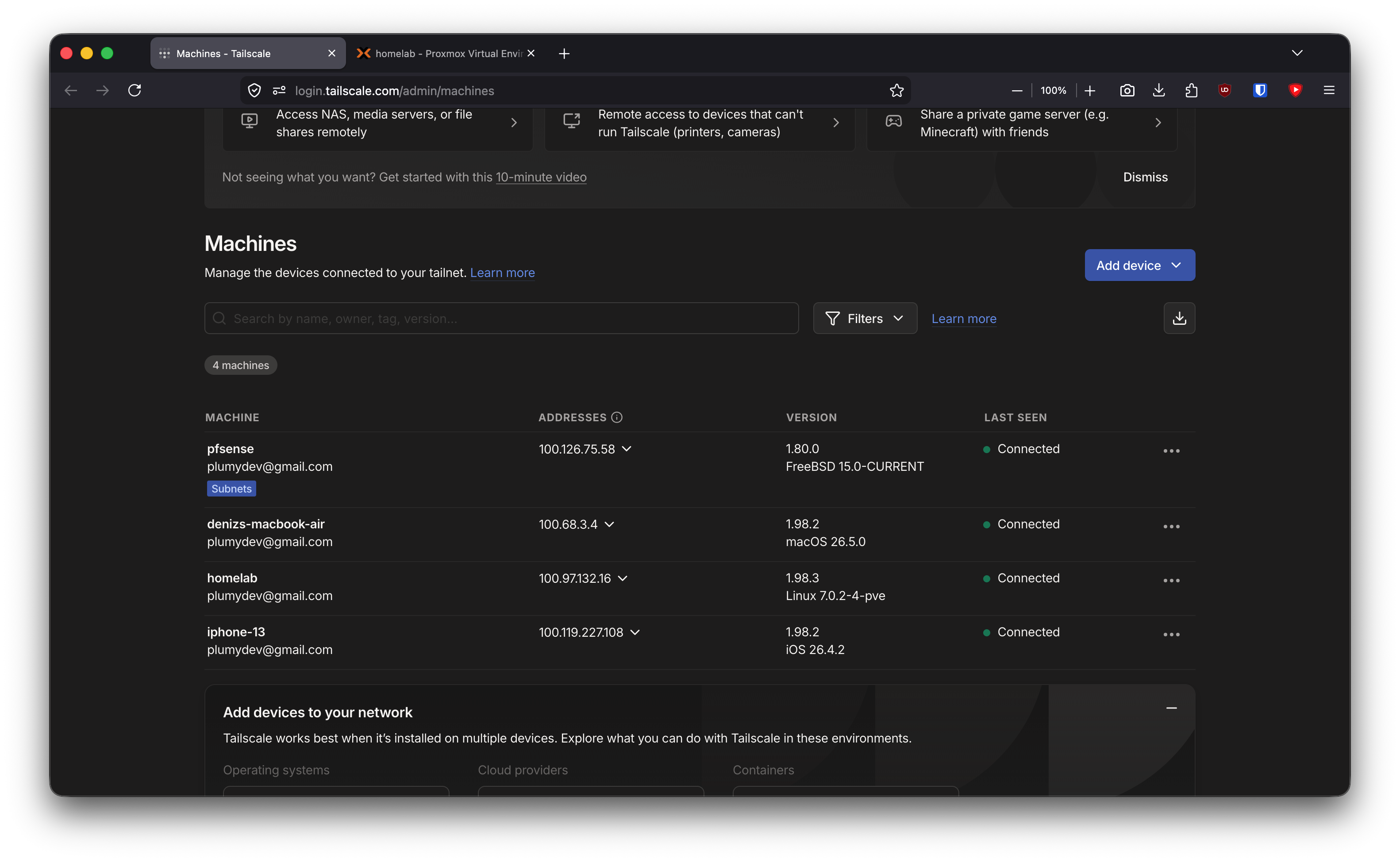
pfSense:       Tailscale subnet router
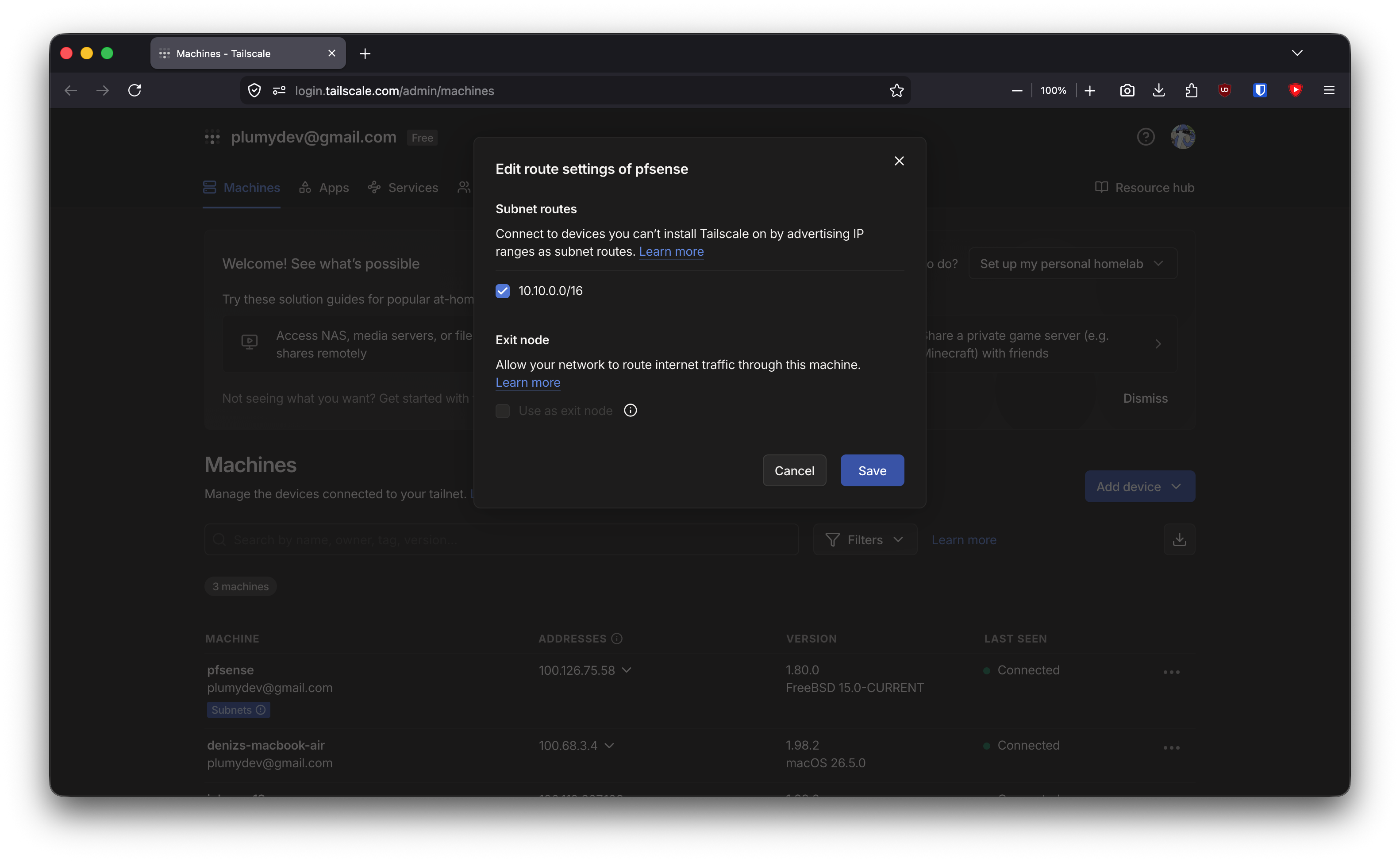
Advertised:    10.10.0.0/16
Clients:       Mac and phone
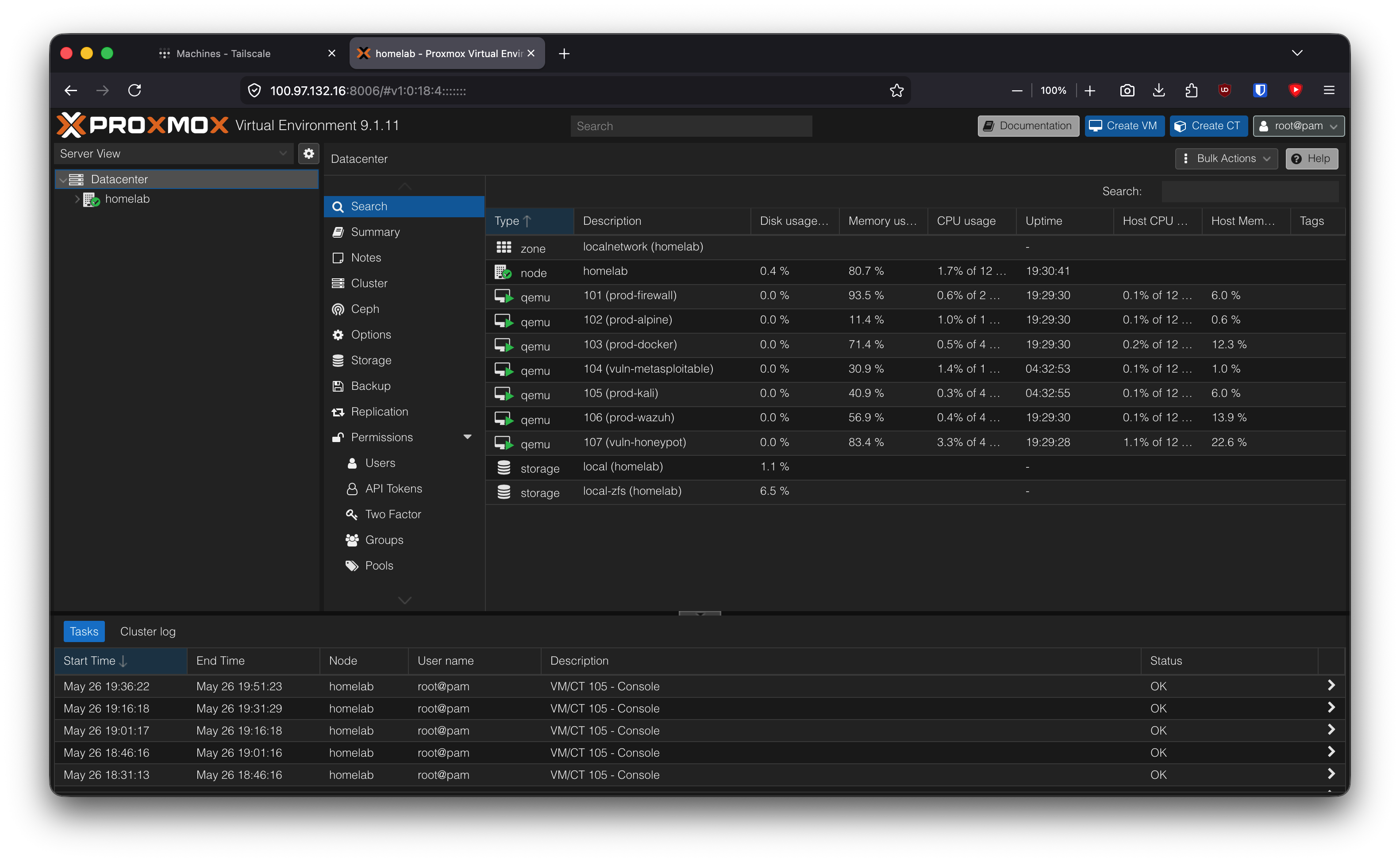
Recovery:      Tailscale also installed directly on Proxmox
Inbound ports: none exposed to the internet
Why This Matters
CGNAT makes inbound WireGuard or port forwarding painful or impossible. Tailscale keeps the lab private while still making it reachable from my own devices.
The security rule is simple: no pfSense web UI, SSH, or Wazuh dashboard should be exposed to the public internet.
Topology Slice
Remote Mac / phone
       |
   Tailscale
       |
pfSense tailscale0
       |
10.10.0.0/16 lab VLANs
Proxmox also gets its own Tailscale node so I can recover the hypervisor even if the pfSense VM or subnet router breaks.
Build Steps
Confirm CGNAT
A public IP checker is not enough. The router WAN address is the source of truth.
Public IP checker: normal-looking public IP
Router WAN:        100.71.x.x
Result:            CGNAT
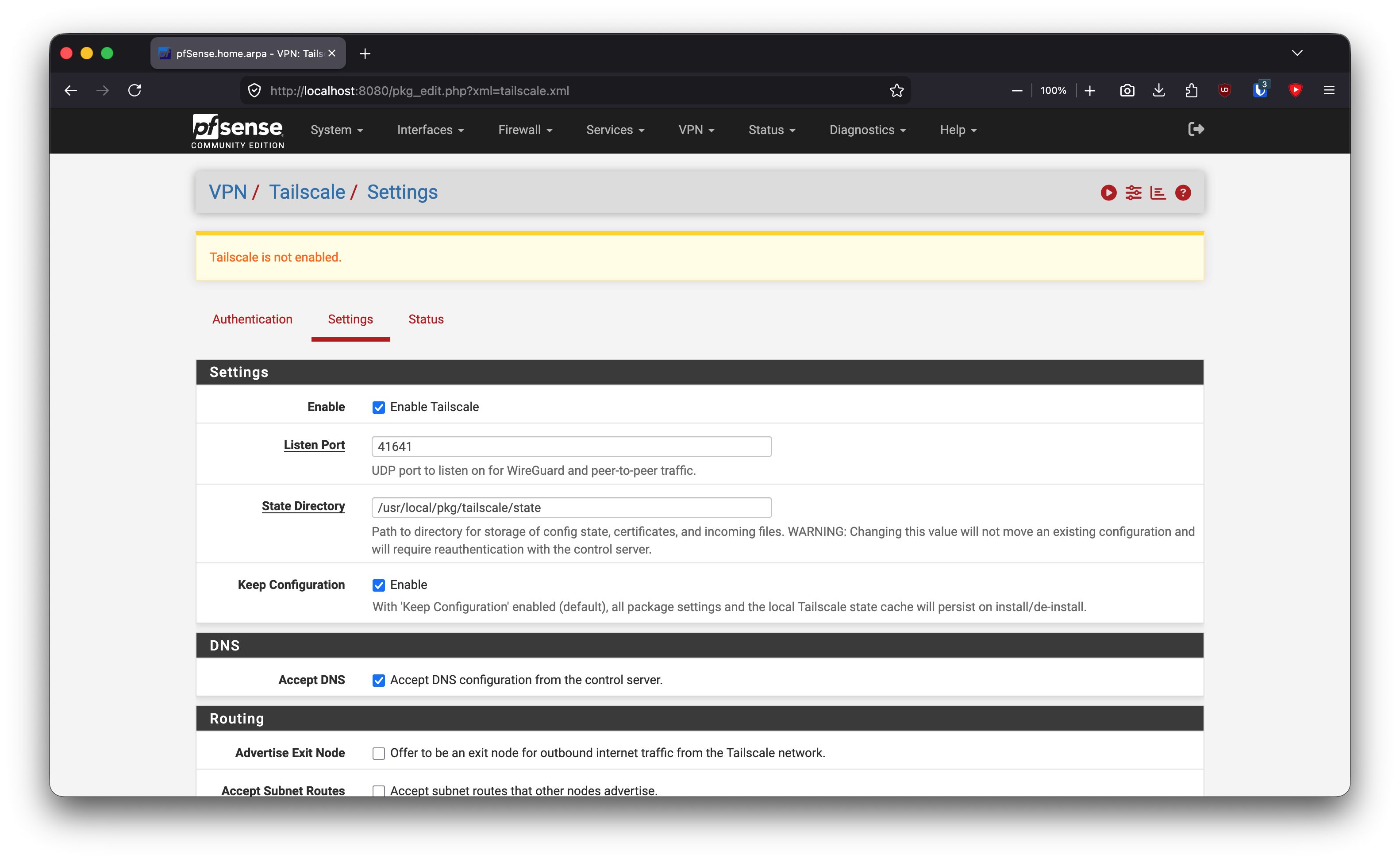
Install Tailscale on pfSense
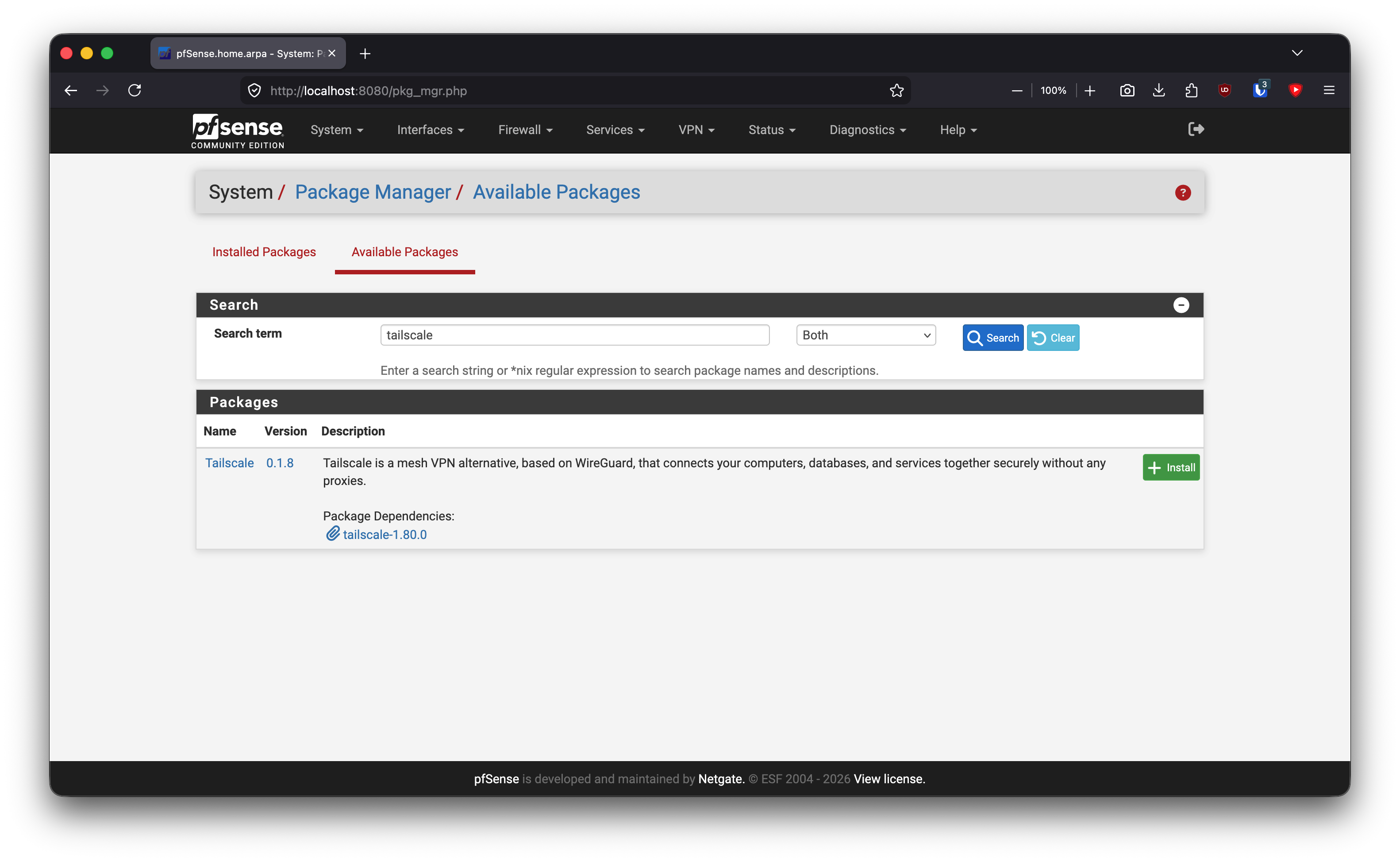
System -> Package Manager -> Available Packages -> Tailscale -> Install
Because pfSense is headless, I used an auth key instead of the browser login flow.
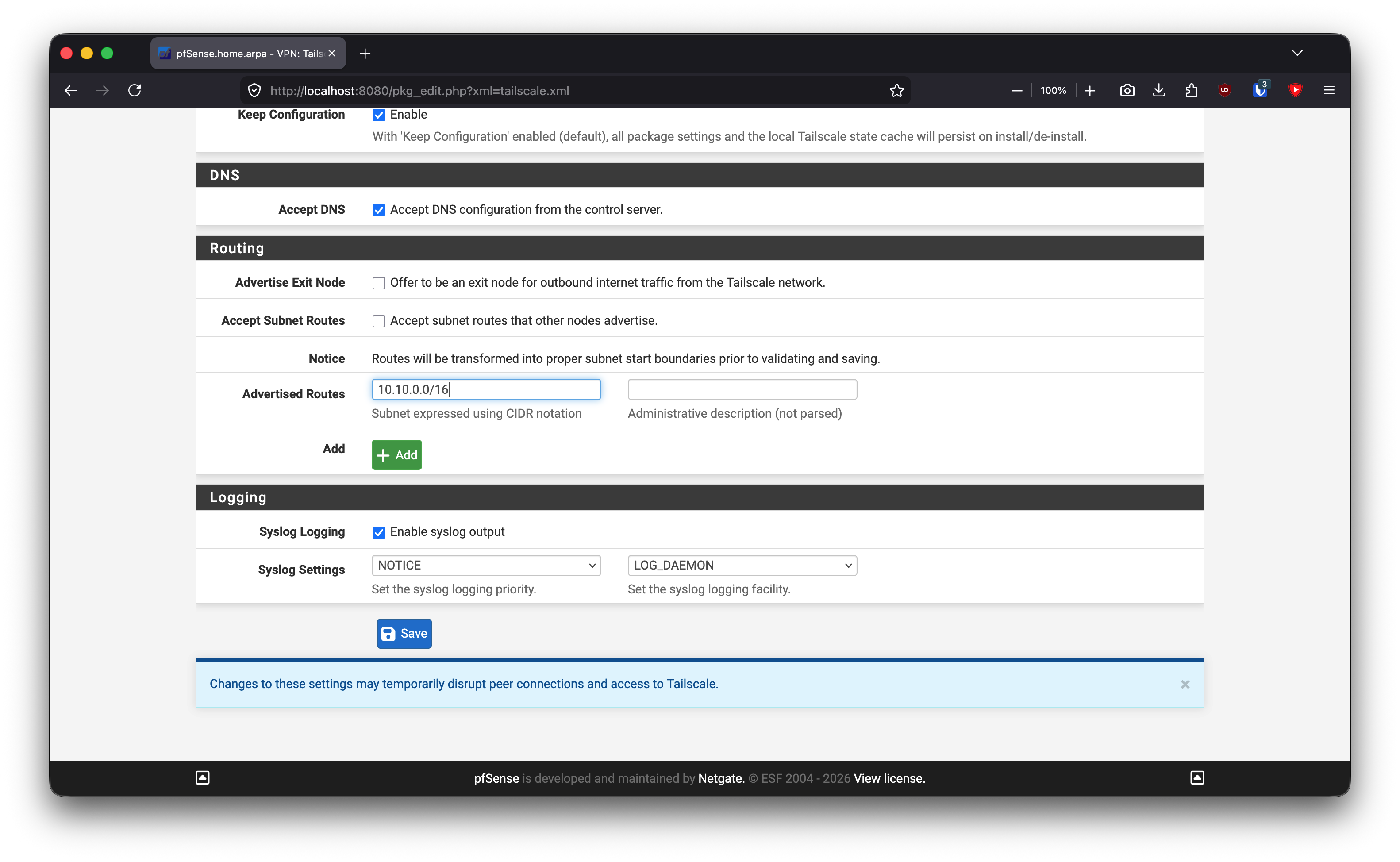
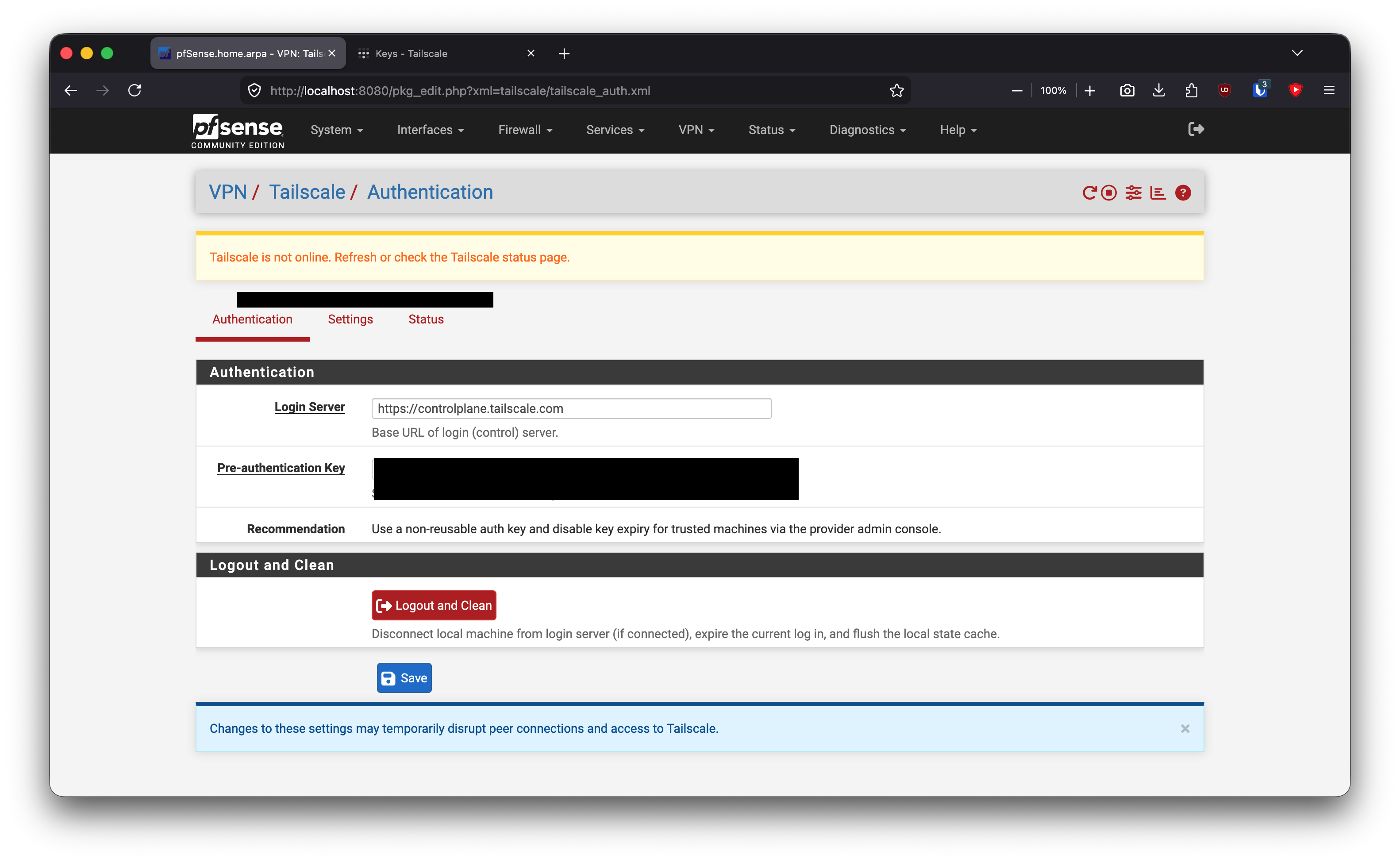
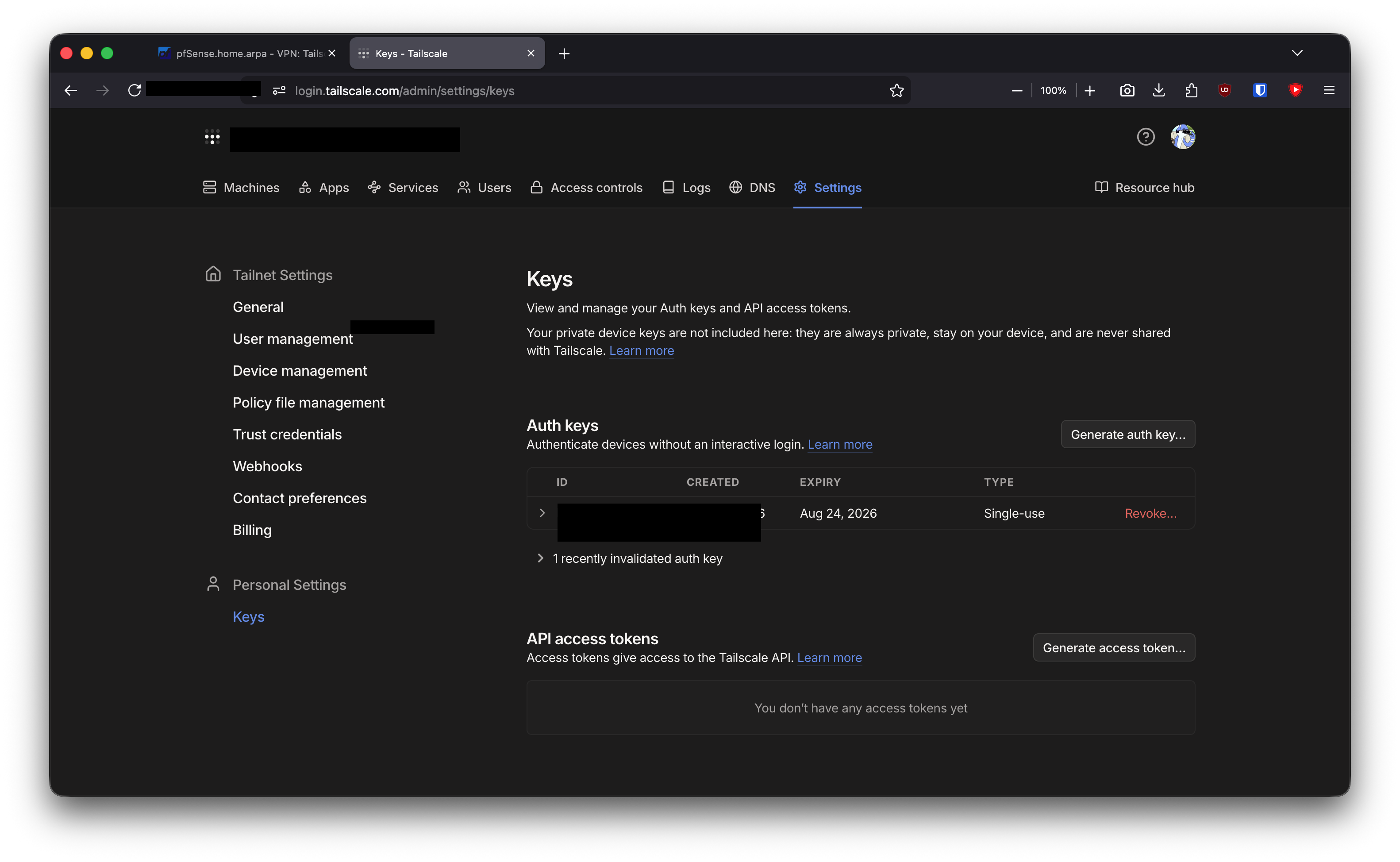
Advertised route:
10.10.0.0/16
Approve and Accept Routes
Advertising a route is not enough. I also need to approve it in the Tailscale admin console, and clients must accept it.
sudo tailscale set --accept-routes
netstat -rn | grep 10.10
Expected route:
10.10/16 -> utun...
Remove Old Local Route
My old home-only static route could conflict when I was away from home.
sudo route -n delete -net 10.10.1.0/24
sudo tailscale set --accept-routes
sudo tailscale down && sudo tailscale up
Add pfSense Tailscale Firewall Rule
The route worked before forwarding did. pfSense itself was reachable, but internal lab hosts were not reachable until I added a rule on the Tailscale interface.
Interface:    Tailscale
Action:       Pass
Protocol:     Any
Source:       100.64.0.0/10
Destination:  10.10.0.0/16
Add Proxmox Out-of-Band Access
pfSense is a VM. If I break pfSense, I lose the subnet router. So I also install Tailscale directly on Proxmox.
curl -fsSL https://tailscale.com/install.sh | sh
tailscale up
Access:
https://100.x.y.z:8006
ssh root@100.x.y.z
Problems I Hit
Public IP looked normal, but WAN was CGNAT. The router WAN address proved inbound port forwarding was not reliable.
Route advertised but not used. I had to approve it in the admin console and enable route acceptance on the client.
pfSense was reachable, internal hosts were not. That meant routing was working, but pfSense firewall forwarding from tailscale0 was missing.
pfSense as subnet router is not enough for recovery. Proxmox needed its own Tailscale node.
What I Learned
Remote access has to be part of the architecture, not a temporary hole in the firewall. Tailscale gives me management access without public inbound exposure, but pfSense still controls forwarding into the lab.
I also learned to separate route problems from firewall problems: if pfSense opens but Wazuh does not, the subnet route exists and the forwarding rule is likely missing.
Validation Evidence
From mobile data:
netstat -rn | grep 10.10
tailscale ping 10.10.1.1
ping -c 3 10.10.10.99
nc -vz 10.10.10.99 443
Service checks:
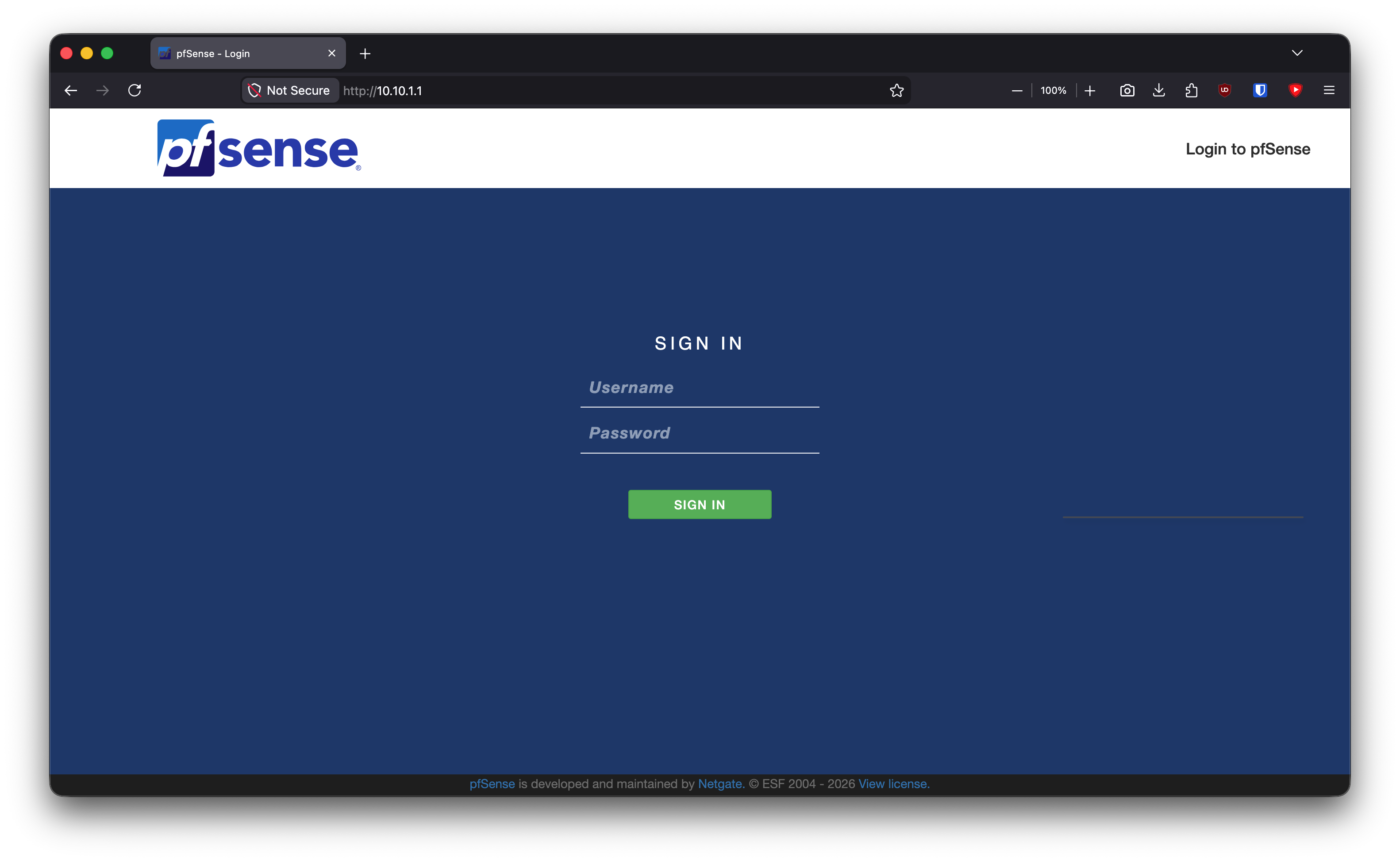
https://10.10.1.1       -> pfSense
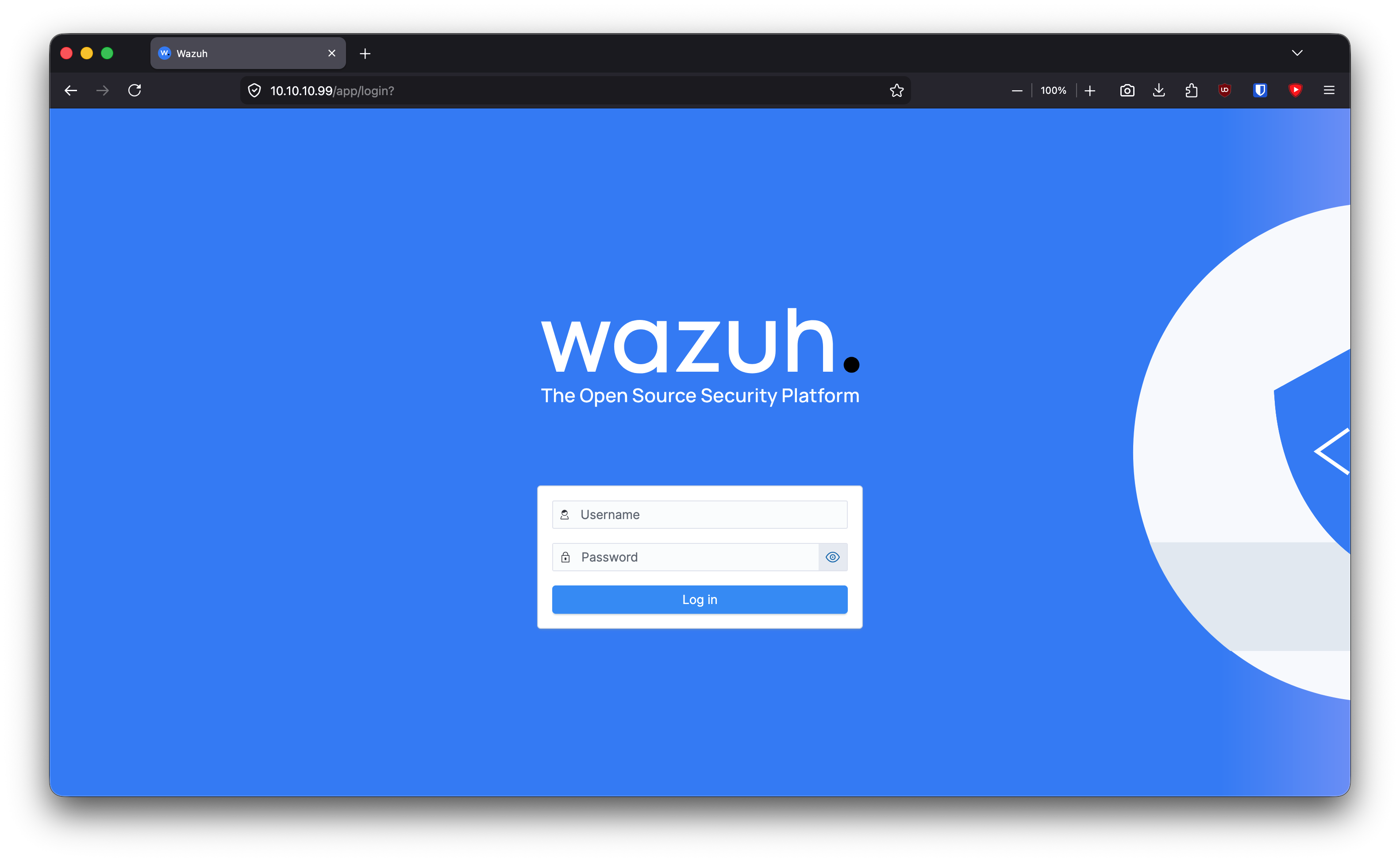
https://10.10.10.99     -> Wazuh
ssh admin@10.10.1.50    -> jumpbox
What This Enables Next
With remote access solved, I can continue building heavier lab segments without being physically next to the machine: malware analysis, Windows domain services, and later firewall hardening.
Quick Reference
sudo tailscale set --accept-routes
netstat -rn | grep 10.10
sudo route -n delete -net 10.10.1.0/24
pfSense Tailscale rule:
Source 100.64.0.0/10 -> Destination 10.10.0.0/16 -> Pass